Getting Started 17
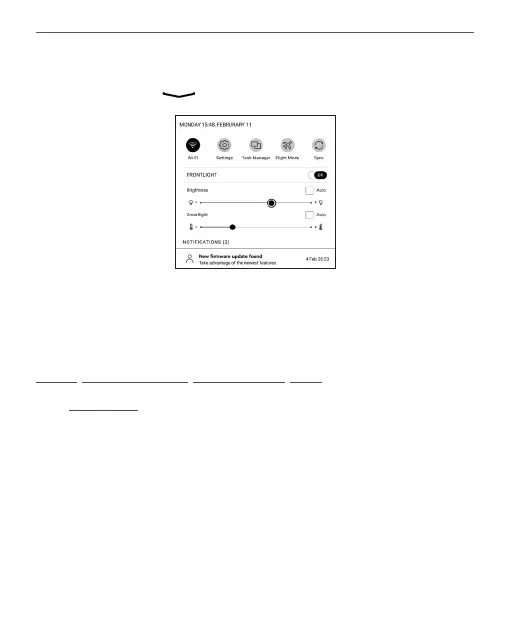
Notification panel
Choose the icon to open a Notification panel.
NOTE: You can open Notification panel also pressing a Menu button.
Notification panel gives an easy access to configuration of
Wi-Fi, Task Manager, Flight Mode, Sync of network services
and Frontlight.
NAVIGATION
Use navigation buttons Up, Down, Left, Right to select
required item (e.g. book or menu item).















 To Next Page