Reading Books 52
will begin and press OK to set up the top margin of the
note. Use navigation buttons to highlight a text fragment
and press OK to set the bottom margin of the note. You
can look through the notes by choosing Notes section in
the main menu. By pressing OK button on the note, you
can switch to the initial page, where it was created.
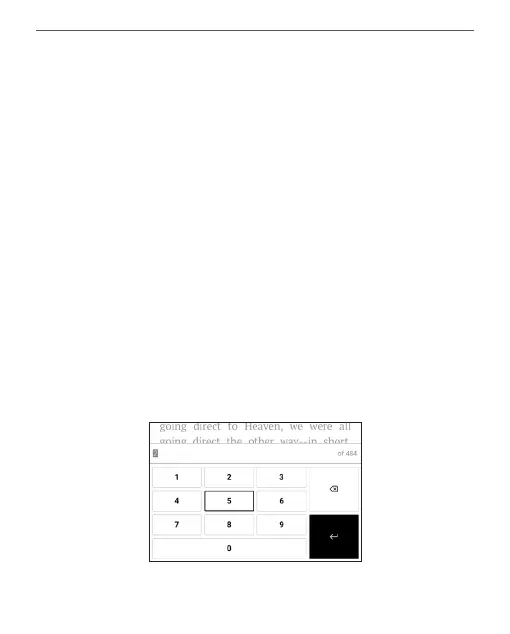
GO TO PAGE
If you want to open the exact page press Go to page, af-
ter typing a page number exactly from on-screen keyboard
press OK. If you will exit the menu by pressing Backward,
you will stay on a page you was before.















 To Next Page