Applications
In this section, you can review the applications installed on
your device.
The default home screen contains four applications:
• Library;
• Notes;
• Dictionary
• Gallery.
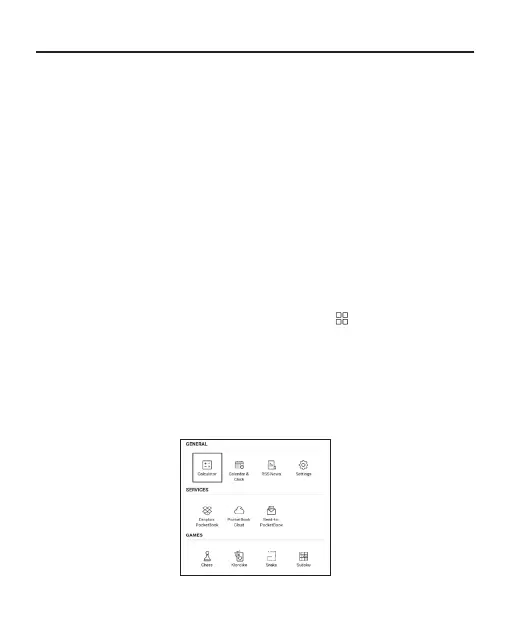
Other apps are available in the application menu. To open
the application menu, click on the icon .
To move, replace, or delete apps in the Main menu, use the
context menu.















 To Next Page