Applications 26
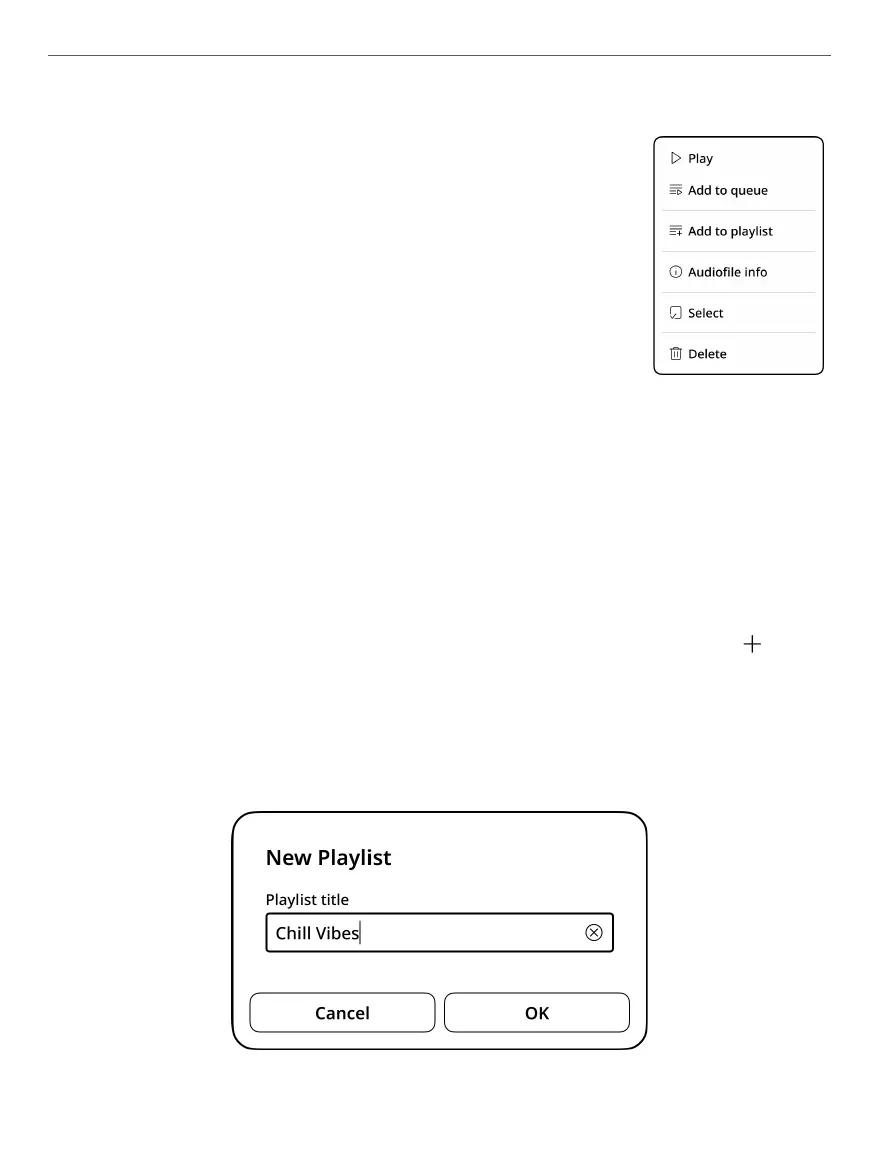
• Play - play the selected track;
• Add to queue - add the selected track to the
queue;
• Add to playlist - add the selected track to
the playlist;
• Audiofile info - shows file info;
• Select - to select one or several files;
• Delete - deletes track.
The Playlists tab contains all playlists with audio les.
To create a new playlist, go to the Playlists tab, and if you
don’t have any playlists yet, click the [+ Create playlist] but-
ton. If you have already created playlists, click on the icon
in the upper right corner. In the window that opens, enter
the name of the new playlist using the on-screen keyboard
and click OK.



 To Next Page