Applications 27
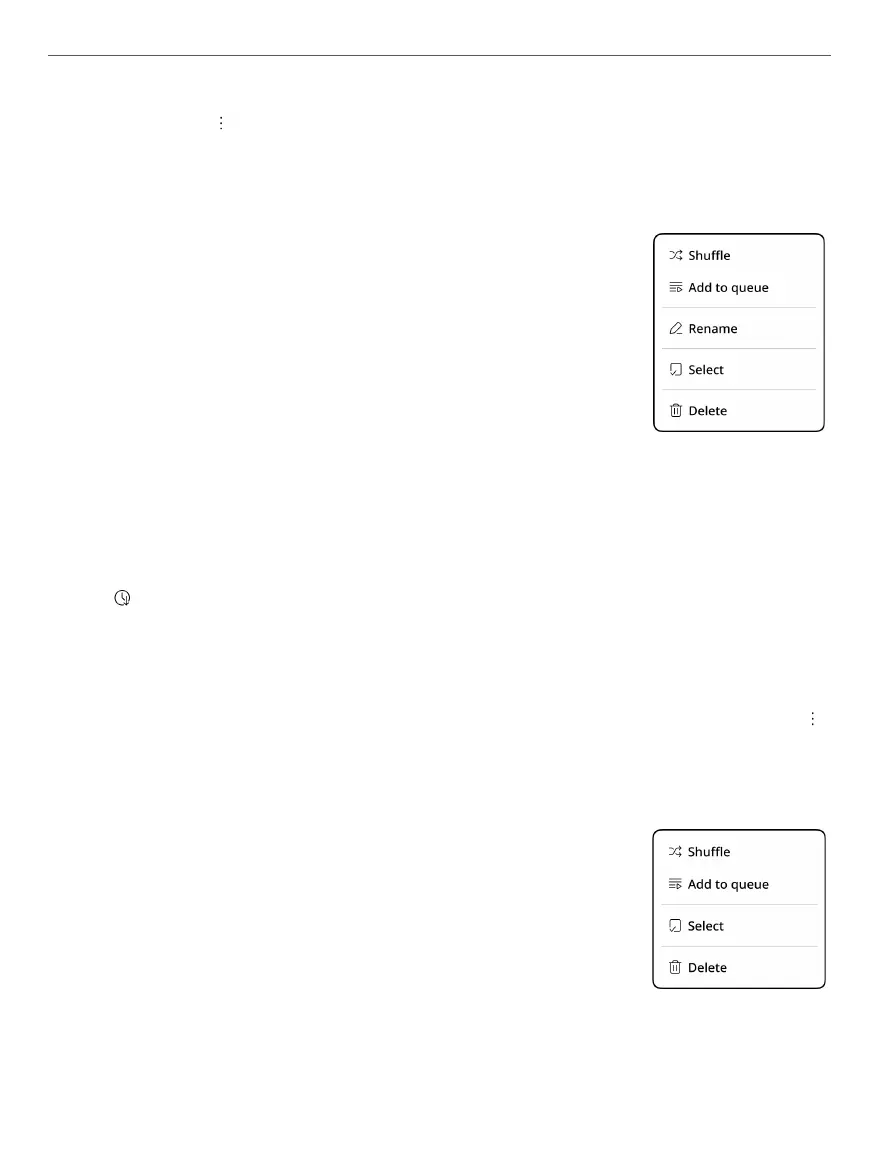
Сlick on the icon will open a context menu that allows you
to:
• Shuffle - start playback of the playlist from a random track, the
rest of the tracks in the playlist will be played in
random order;
• Add to queue - add playlist to the queue;
• Rename - rename the selected playlist;
• Select - to select one or several playlists;
• Delete - to delete the selected playlist.
The Albums tab contains all albums with audio les.
The button allows you to sort albums by album name or
author name.
Context menu, which will be opened by clicking on the
icon allows you:
• Shuffle - start playback from a random track, the rest of the
tracks in the album will be played in random order;
• Add to queue - add all album tracks to the
queue;
• Select - to select one or several albums;
• Delete - to delete the selected album.



 To Next Page