Applications 28
To play an album, open it and click on the button in the
upper right corner. The button allows you to play tracks in
the album in random order.
The Artists tab contains tracks grouped by authors depen-
ding on the information from the track description.
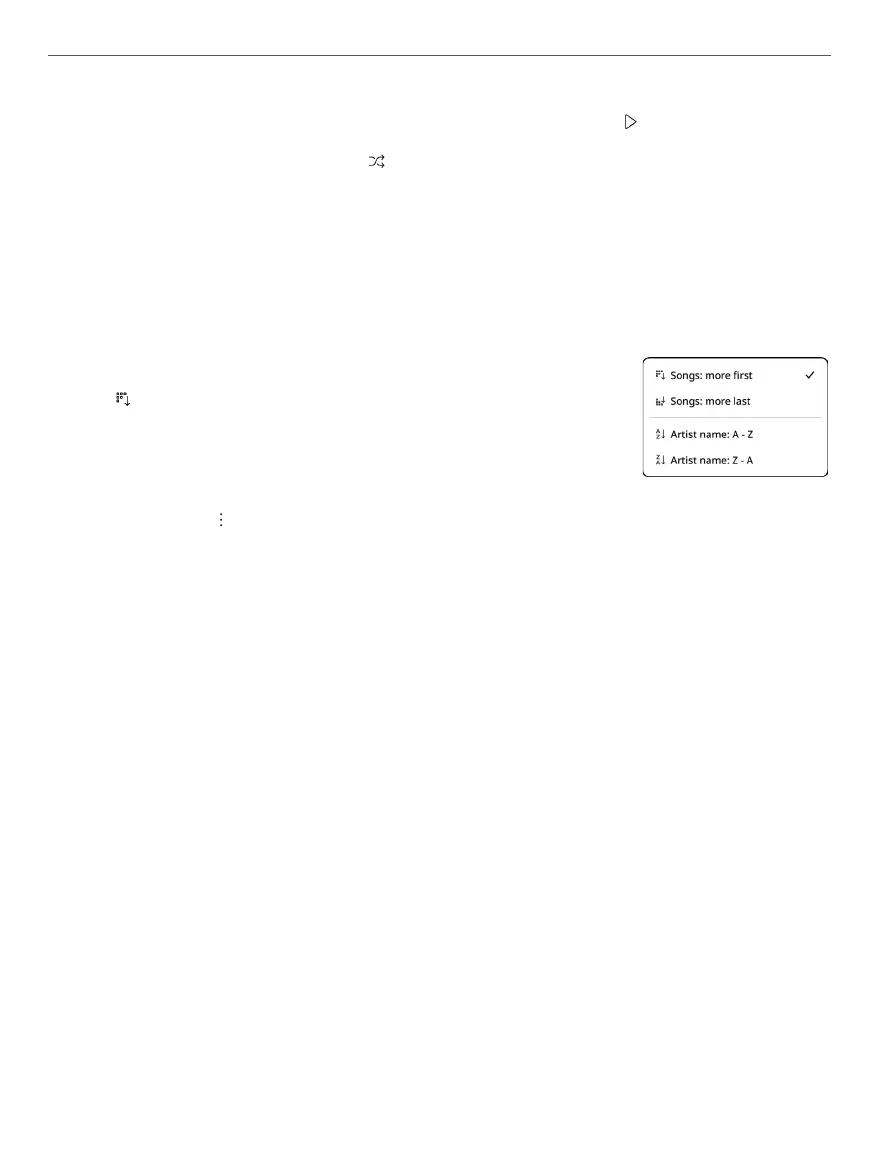
The button allows you to sort artists by
the name or by the number of tracks.
Сlick on the icon will open a context menu that allows you
to:
• Shuffle - to play tracks in random order;
• Add to queue - to add all tracks to the queue;
• Select - to select one or more artists;
• Delete - to delete the selected artist.
The Genres tab contains tracks grouped by genres depen-
ding on the information from the track description.
The control panel in playback mode shows progress bar of
the track being played and allows you to shue tracks, play
a track or the entire track list in repeat mode, change the
playback speed, add track to queue, change the volume.



 To Next Page