Reading Books 49
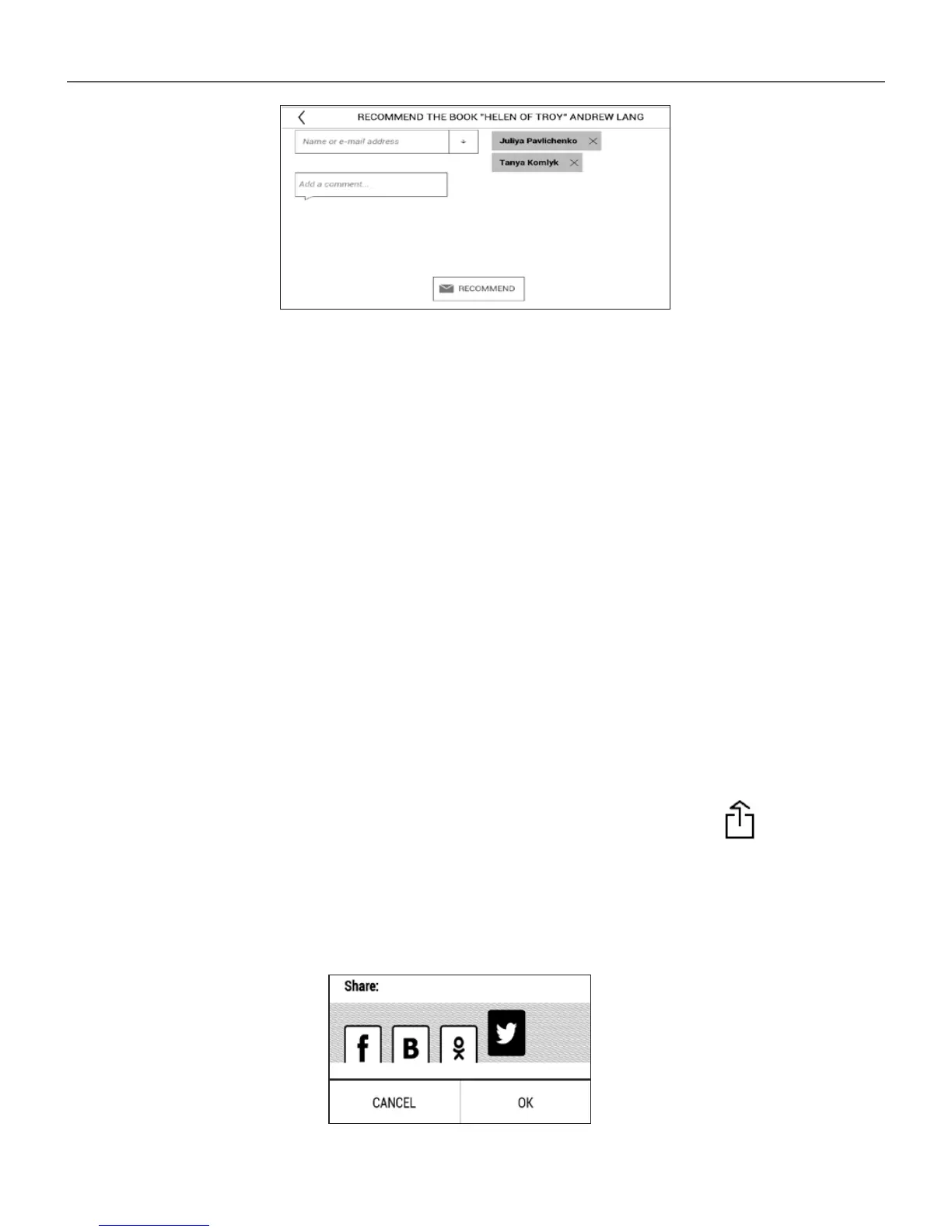
3. Choose a friend from a list or enter user email to
send a recommendation to him/her.
4. Enter a comment and confirm sending by pressing
Recommend.
Share quotation
To share quotation from a book:
1. After continuous touch on the screen in the
opened book, creeper of text selection appear.
2. Select quotation and press Share icon .
3. After that the scenario Reading status and Book
Rate is performed, beginning from 2 item.















 To Next Page