Reading Books 50
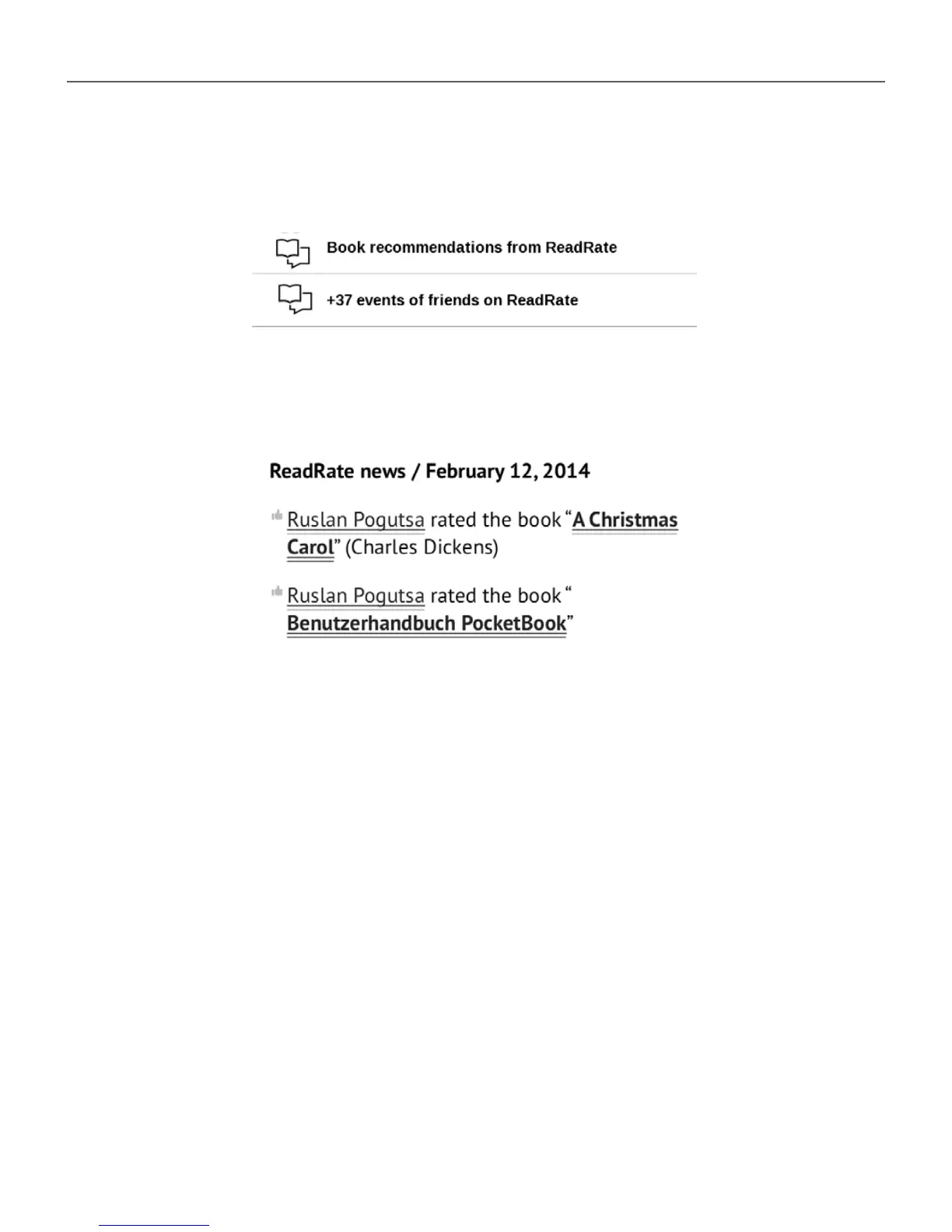
4. All actions of your friends on ReadRate are dis-
played in Notification panel of your Device:
5. You can Delete or Open event. When you open it
all new friends’ actions on ReadRate will be displayed.
To delete your social networks accounts information for
ReadRate, go to Settings > Accounts and Synchroniza-
tion> ReadRate > Remove ReadRate authorization on your
PocketBook.
If you want turn off temporarily the ReadRate functionality,
set Off in Settings > Accounts and Synchronization > Read-
Rate > ReadRate Status. After this operation all ReadRate
options becomes hidden and inactive.















 To Next Page