Reading Books 76
The icon in the status bar changes to if the error oc-
curred during synchronization of one of the services. If all
synchronization processes are completed without errors,
the icon in the status bar disappears.
LIBRARY
Library is e-books file manager. Library menu allows to filter, group,
sort, change appearance of the section and perform search.
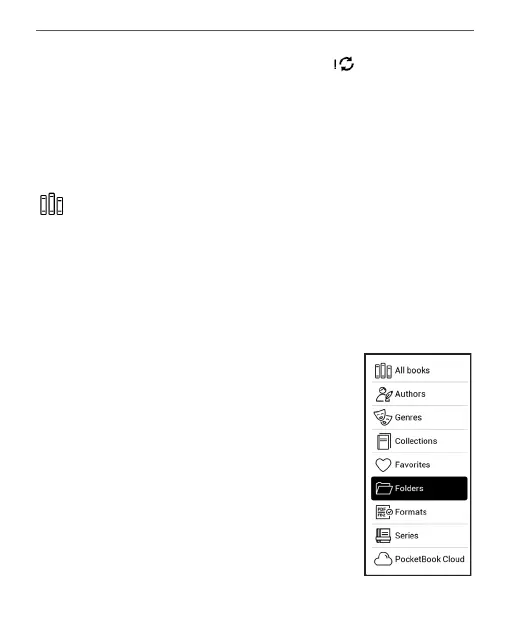
1. Grouping criteria
Depending on selected criterion books
are grouping by:
• All Books;
• Authors;
• Genres;
• Collections - create your own
shelves with books depending on your
interests and preferences;















 To Next Page