Settings 95
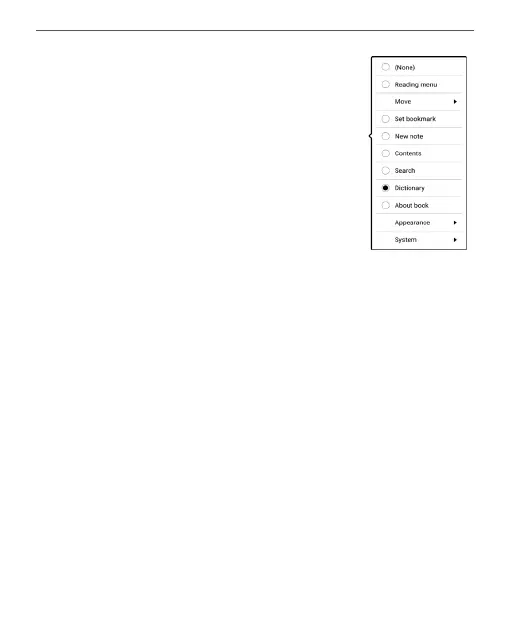
Swipe in Reading mode — allows you to
customize swipe from right to left, swipe
from left to right, swipe from bottom to
top, swipe from top to bottom.
Select the desired Swipe gesture, and in
the context menu that opens, select the
desired setting for this gesture.
Drag in Reading mode — allows you to customize the
drag gesture on the left and right edges of the screen.
The following options are available in the settings:
• Frontlight;
• SMARTlight;
• Voice volume;
• Font size.
Complete Page Refresh. Select the amount of page
turned before the screen will be updated completely. Al-
ways item provides the best quality, but consumes the















 To Next Page