Rel. 03
20
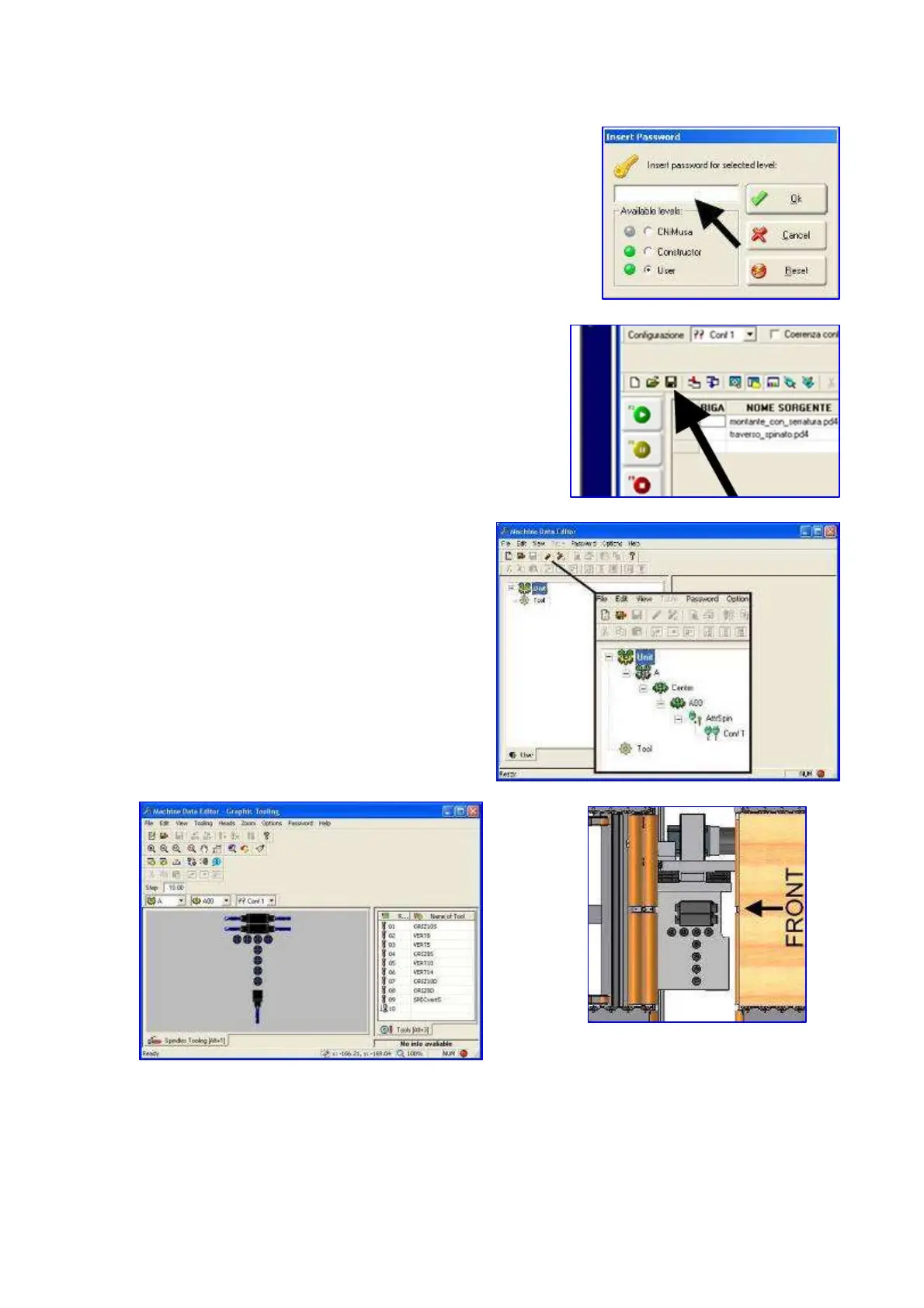
19) Type in “” password in the side box
PASSWORD = “ user “
20) Then press “ok”After every change save data by
pressing
21) Click 2 times on “Conf 1” quickly
22) The following screen appears:
The drawing of the spindles is on the left. All the tools included in the “Tool” section are on the right.
If it is not in the column, see paragraph 17
Bring mouse cursor on desired tool.
Press left mouse button and keep it pressed.


 To Next Page