Rel. 03
39
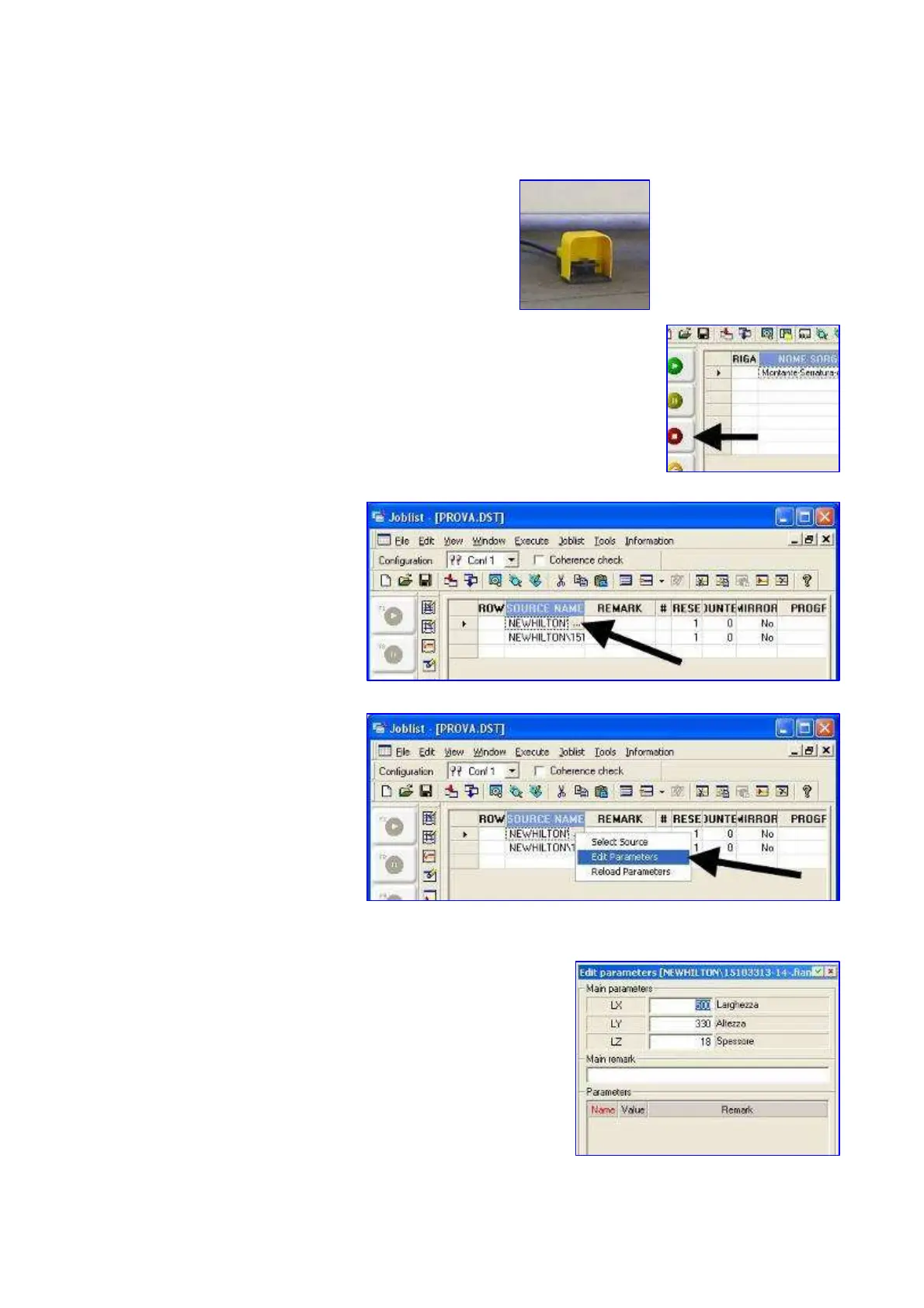
16) Press the electrical pedal to unlock the panel
17) To stop the list at any time, press
18) To change the size of the
panel temporarily (without
changing the drawing)
press the button in the
picture
Press the button
This opens a window with the parameters of the panel.
Change the parameters and press "Enter" keys to confirm the
changes.


 To Next Page