DOT-PM80 Android 6.0.1 User Manual
12
© 2006 – 2018 POINTMOBILE Co., Ltd. All rights reserved
Getting Started
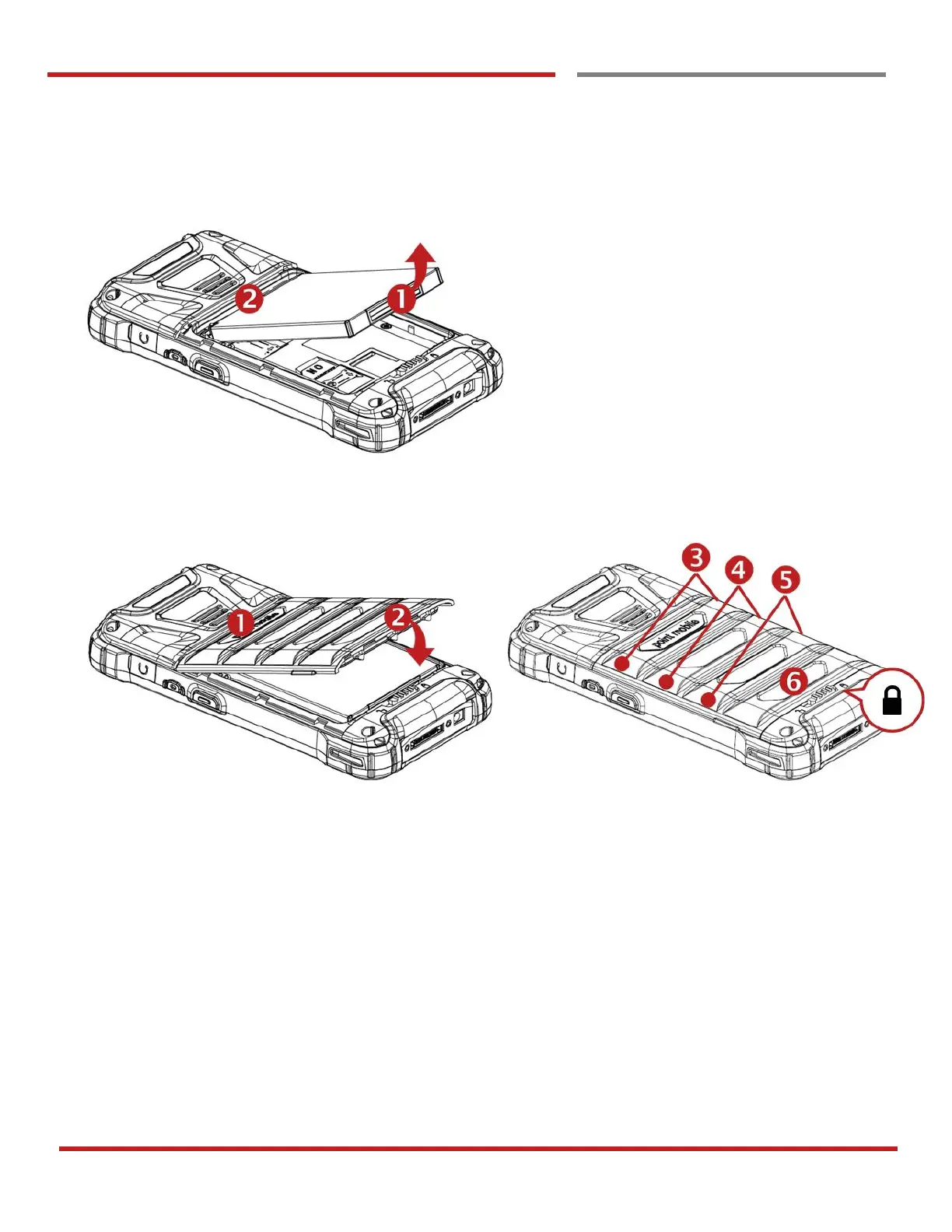
Hot swap the battery
When battery level is low, you can replace the battery without turning off and on DOT-PM80.
- Remove the Battery and replace to another one.
- Make sure the battery cover closed firmly.
- Press the Power Key to use DOT-PM80 again.



 To Next Page