DOT-PM80 Android 6.0.1 User Manual
15
© 2006 – 2018 POINTMOBILE Co., Ltd. All rights reserved
Learning the basics
Use a touch screen
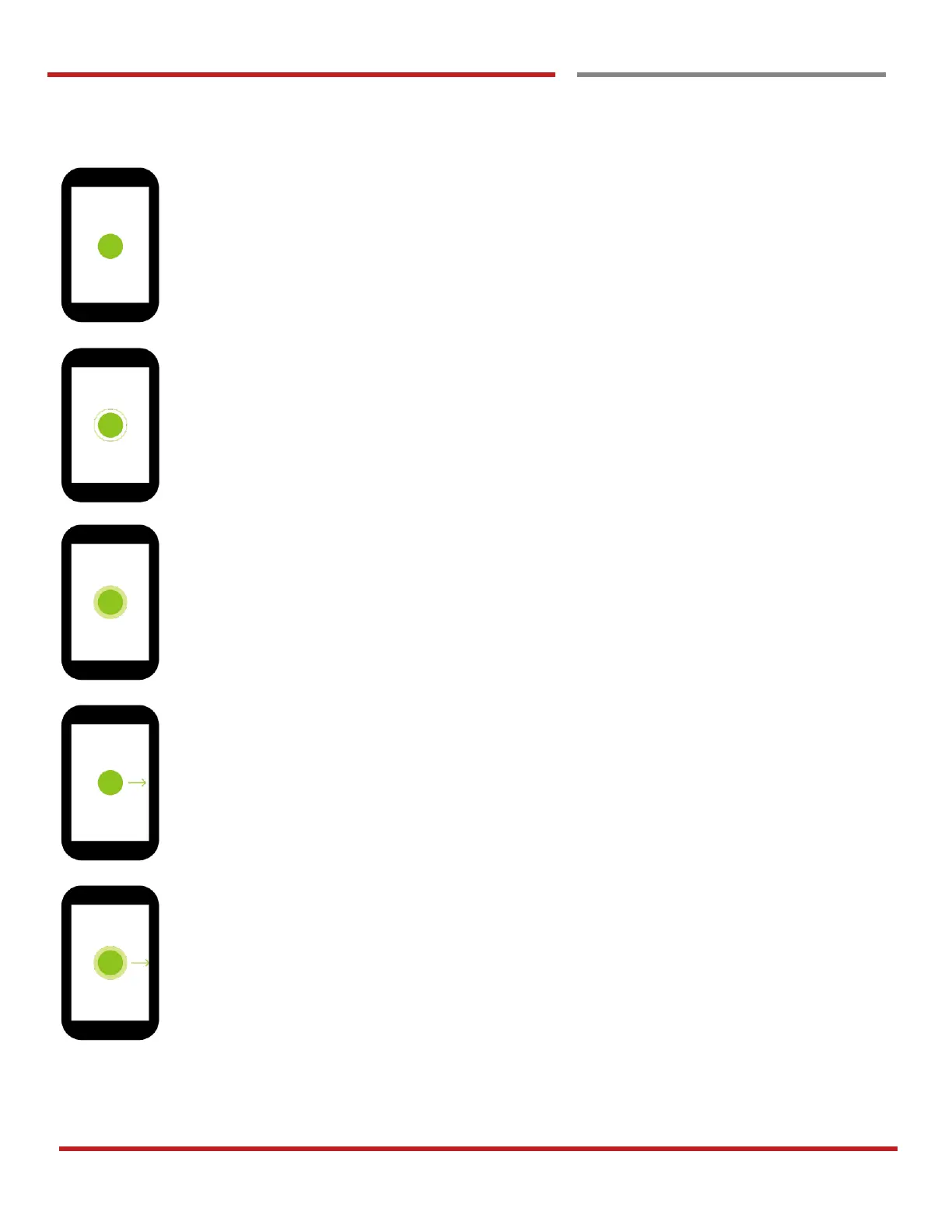
Double touch
One-finger press, lift, one-finger press, lift for “Zoom in”
Long press
One-finger press, wait, lift for “Select an item”
Drag, Swipe, or Fling
One-finger press, move, lift for “Scroll” or “Tilt”
Long-press drag
One-finger press, wait, move, lift for “Pick up and move” or “select multiple items”



 To Next Page