DOT-PM80 Android 6.0.1 User Manual
10
© 2006 – 2018 POINTMOBILE Co., Ltd. All rights reserved
Getting Started
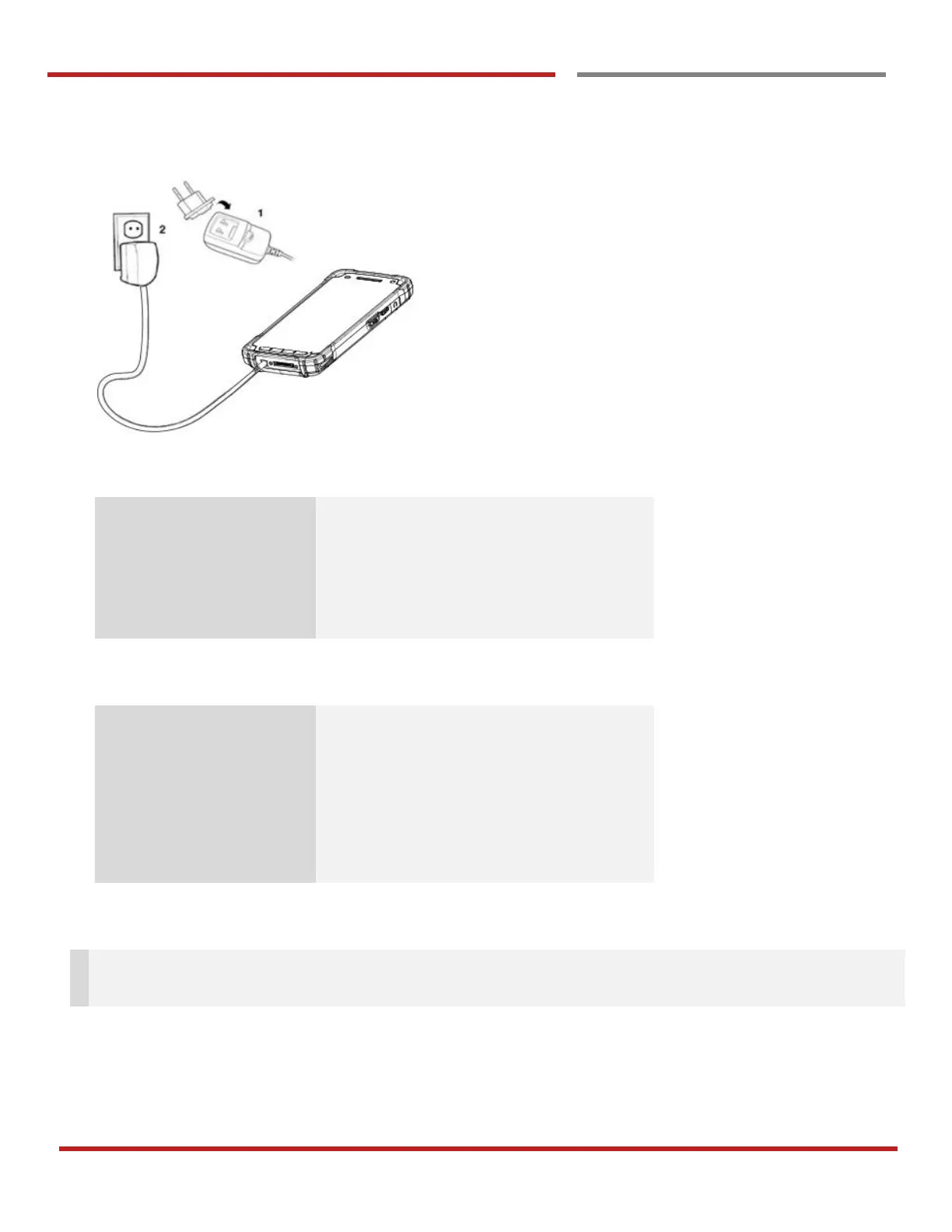
Charge DOT-PM80
1. Connect the AC/DC adaptor to your device and wall socket respectively
2. LED indicator will display charging status.
Battery is charging or Battery level is low
Battery level is critical low
Battery is removed or fail to recognize
DOT-PM80 Battery Specification
Standard Battery : About 4hours
Extend Battery : About 6hours
Note: Always use an original charger and cable from the Point Mobile. Other chargers and cables may
damage DOT-PM80. In addition, make sure connector, charger, cables are not wet.



 To Next Page