DOT-PM80 Android 6.0.1 User Manual
13
© 2006 – 2018 POINTMOBILE Co., Ltd. All rights reserved
Learning the basics
Use a keypad
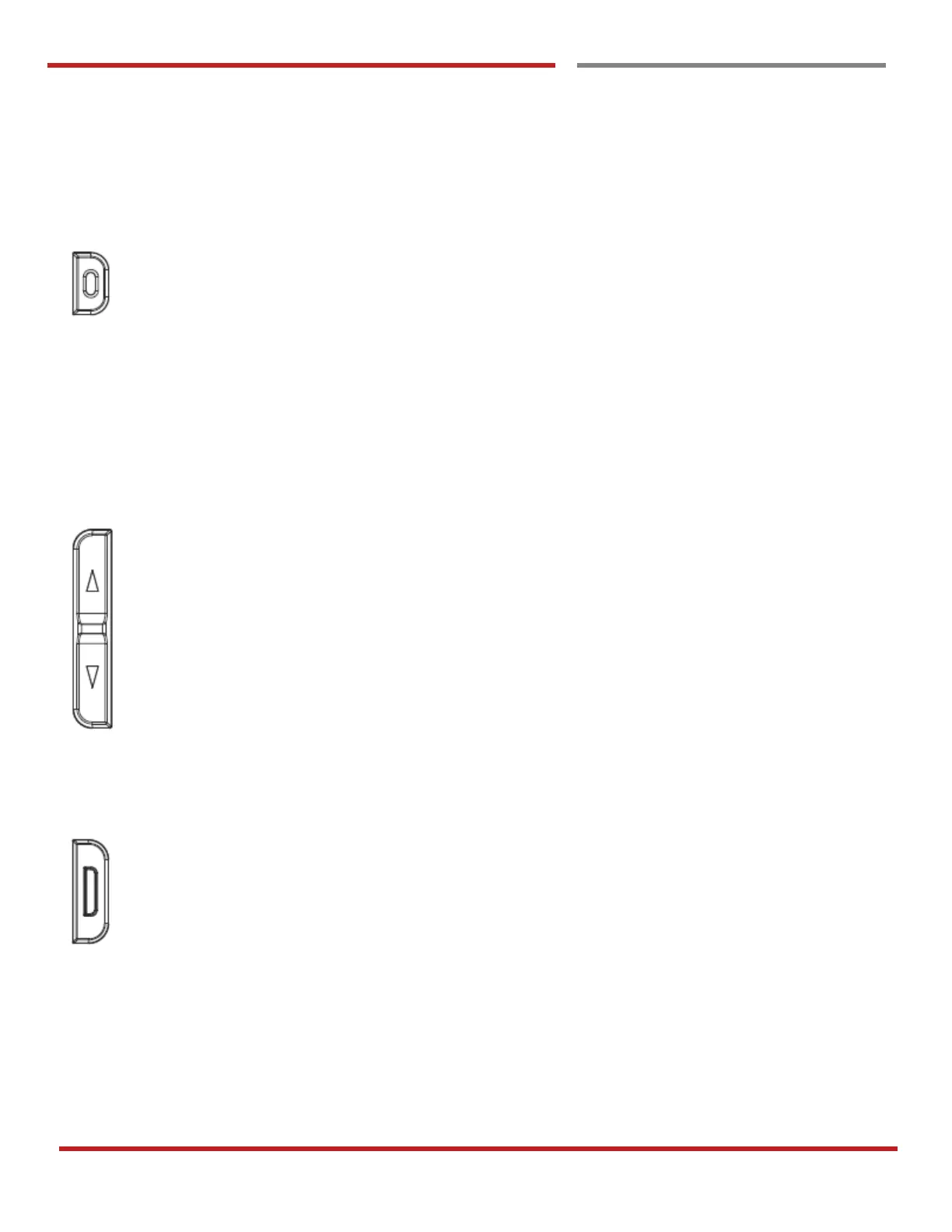
Power key
Press
- Lock the screen / Light up the screen.
Press and hold
- Display the power menu “Power Off / Reboot / Airplane mode”
Press and hold for 12seconds
- Forced to reboot
Press the “Power” key and “Volume Down” key together
- Screen capture
Volume keys
In general
- Adjusts the ringtone volume or “Mute” the ringtone of an incoming call.
In call mode
- Adjusts the earpiece or headset volume.
In Music / Video / Streaming
- Adjusts the media volume.
In camera preview
- Take the photo by pressing Volume Up or Down key.
Scanner Triggers
When “Scan Wedge” mode is activated
- By pressing, DOT-PM80 scan the barcode.



 To Next Page