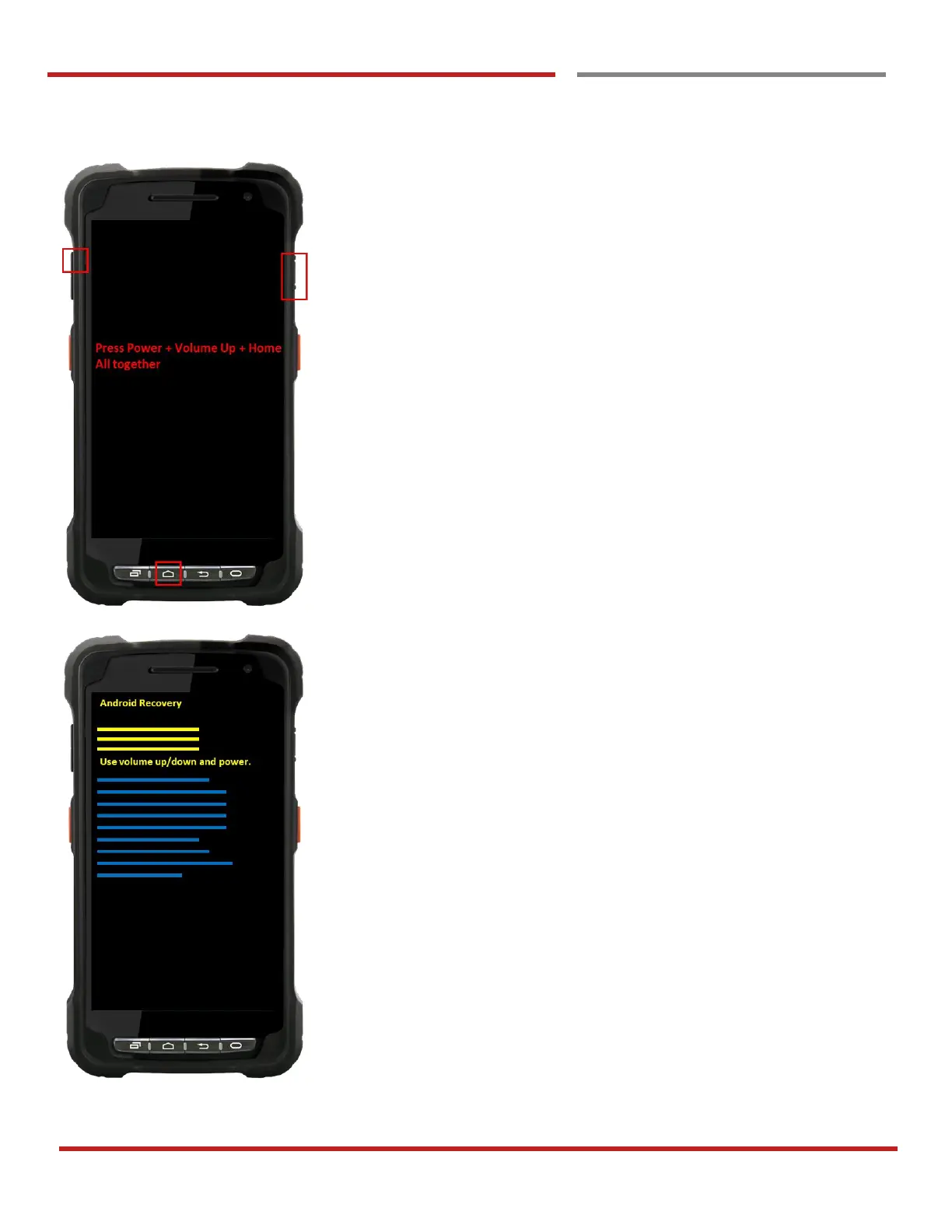
Force Factory data reset your DOT-PM80
You can perform “force” factory data reset your DOT-PM80.
When your DOT-PM80 turned off, press “Power” + “Volume
up” + “Home” button all together. After short vibration from
your DOT-PM80, you may release the buttons.
DOT-PM80 enter to the “Android Recovery” mode. In this
mode, “Volume up” is “Move Up” in the menu tree and
“Volume down” is “Move Down” in the menu tree. “Power
Button” is “Select”



 To Next Page