DOT-PM80 Android 6.0.1 User Manual
14
© 2006 – 2018 POINTMOBILE Co., Ltd. All rights reserved
Learning the basics
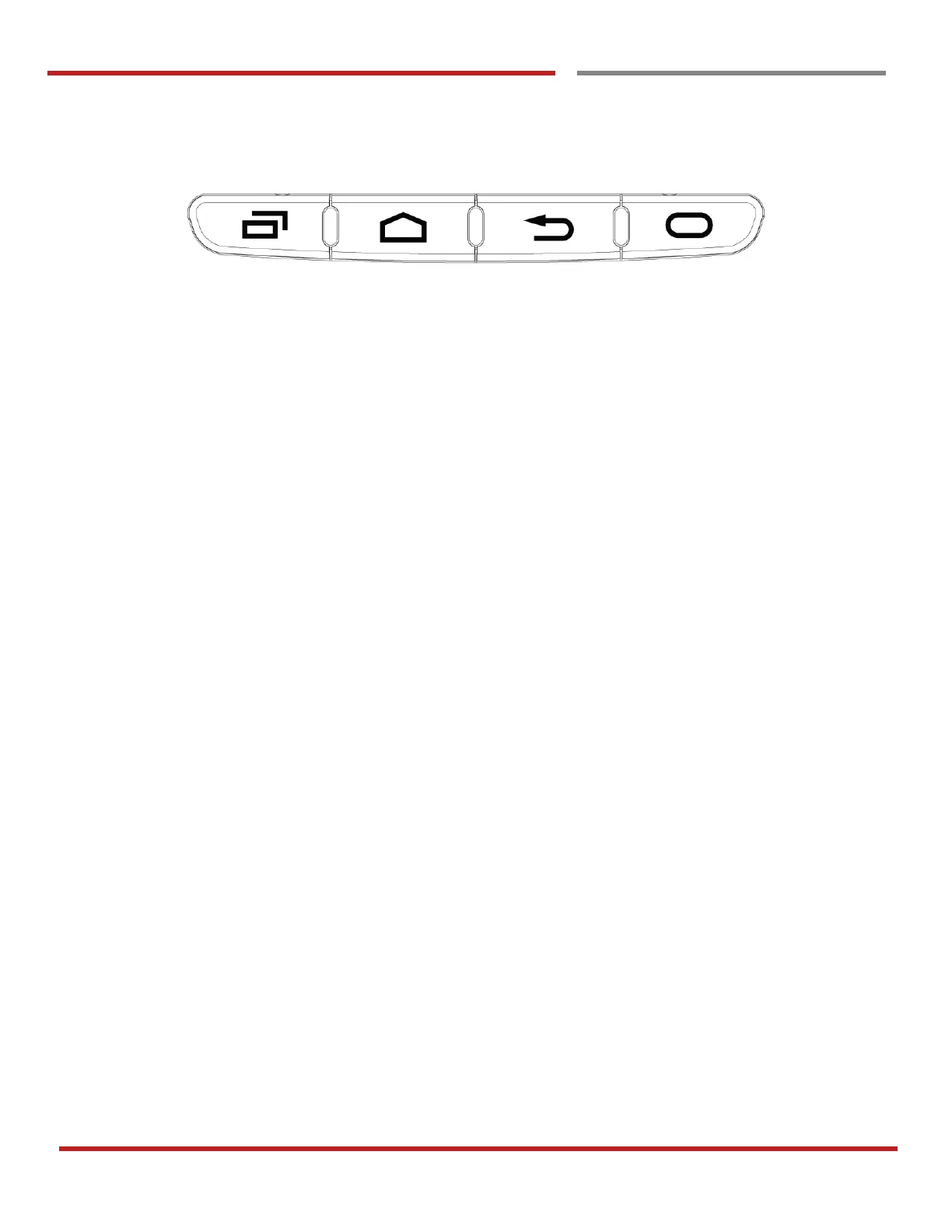
Front panel
Recent Apps key
- Press to see recently used apps.
Home key
- From any apps or screens, press to return to the Home screen.
Back key
- Press to go back to the previous screen, or to close a dialog box, options menu, notification panel,
etc.
Function key (Programmable)
- Press to run the function or the app. You can set EmKit - Program Buttons



 To Next Page