DOT-PM80 Android 6.0.1 User Manual
18
© 2006 – 2018 POINTMOBILE Co., Ltd. All rights reserved
Learning the basics
Home Screen, Apps and Widget
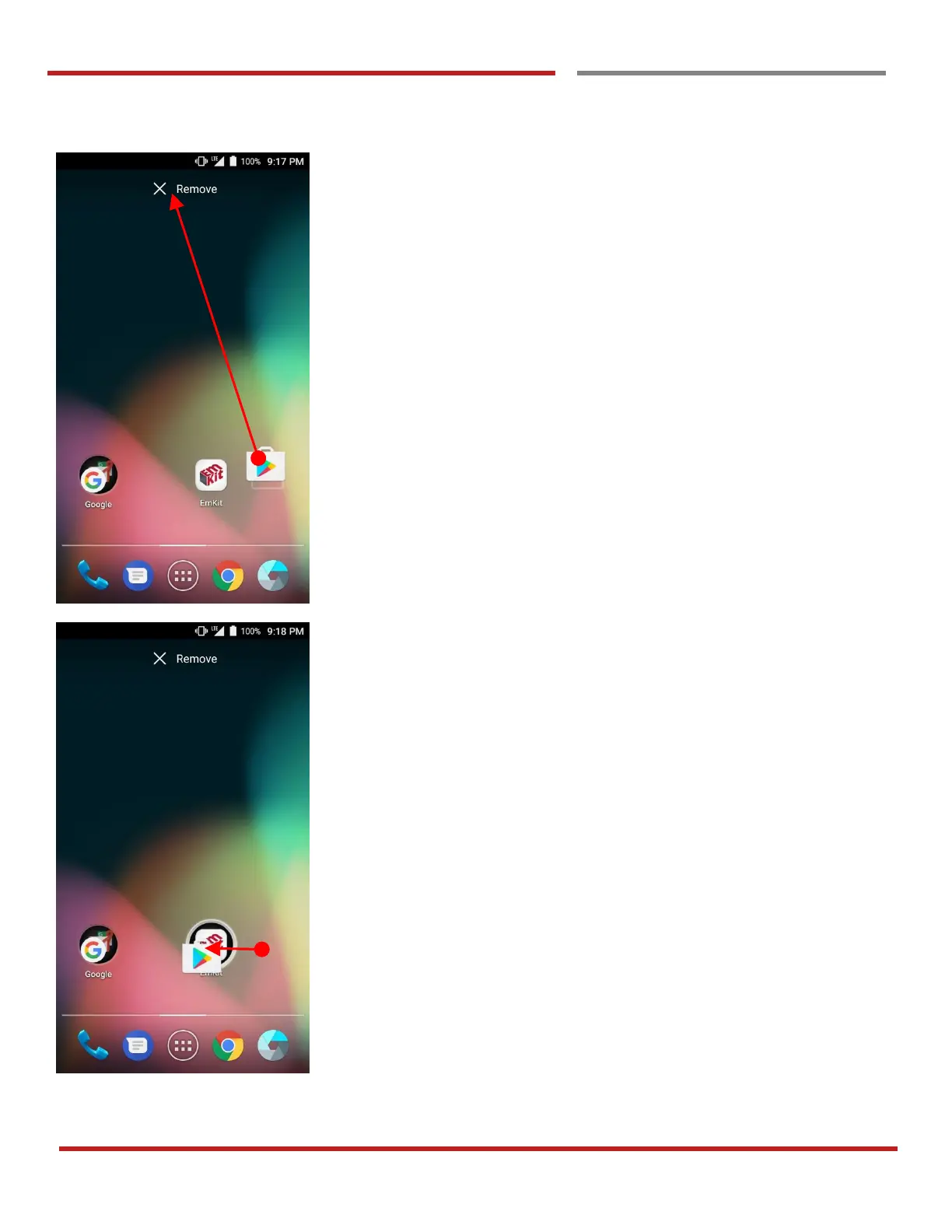
Remove the app icon from home screen
- Long press the app icon and then drag it to the
“Remove” area and then release
Create “App Folder”
- Long press the app icon to other app icon. This will
create the “App Folder”
- To set the folder name, touch the “Unnamed Folder”
and rename it



 To Next Page