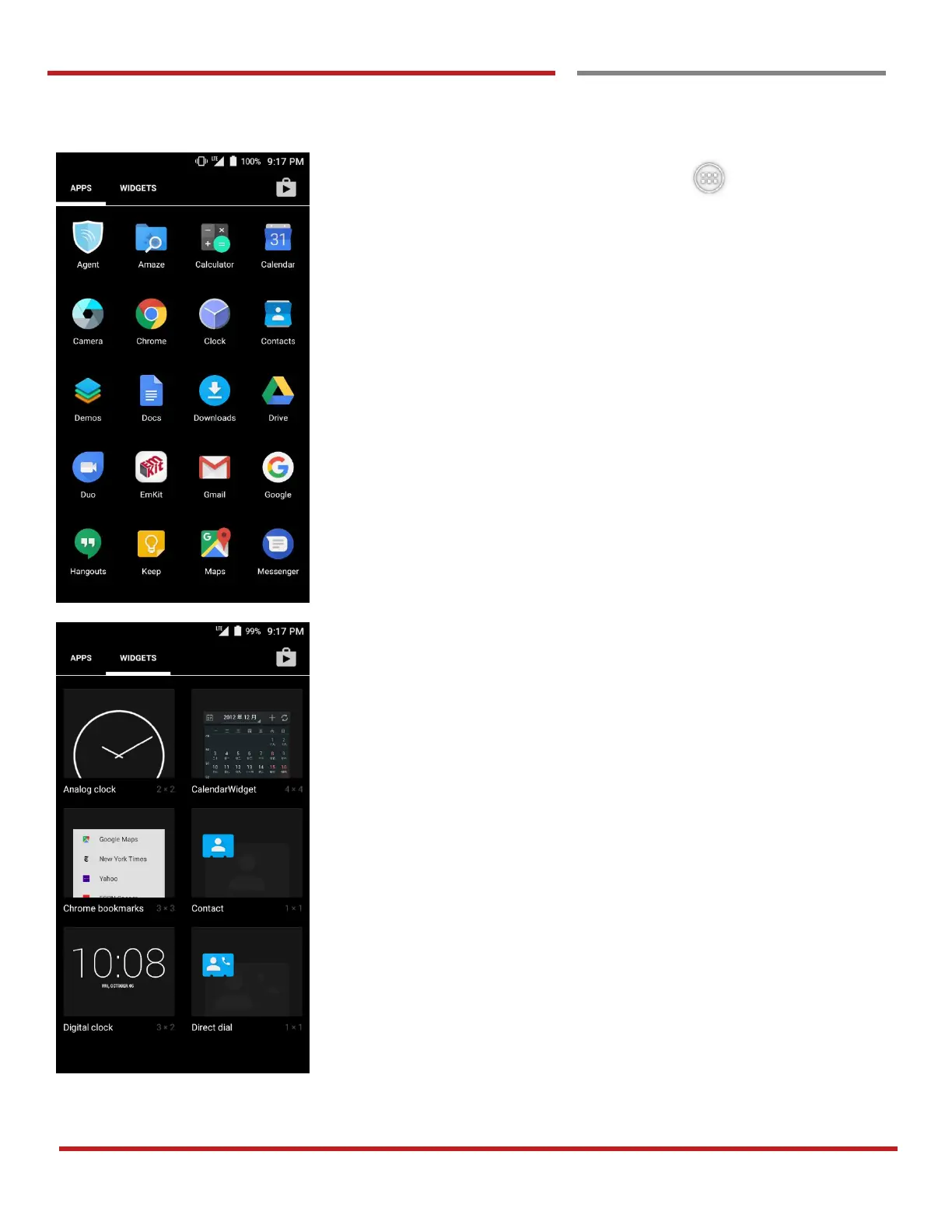
By touching the “App drawer” icon, you can enter to
the “Apps” and “Widgets”
All installed apps are listed in the “Apps” tab, alphabetically
- Tap app icon to run.
- Long press, specific app icon to place to the “Home
Screen”.
All available widgets are listed in the “Widgets” tab,
alphabetically.
- Long press, specific widget to place to the “Home
Screen”.



 To Next Page