DOT-PM80 Android 6.0.1 User Manual
24
© 2006 – 2018 POINTMOBILE Co., Ltd. All rights reserved
Learning the basics
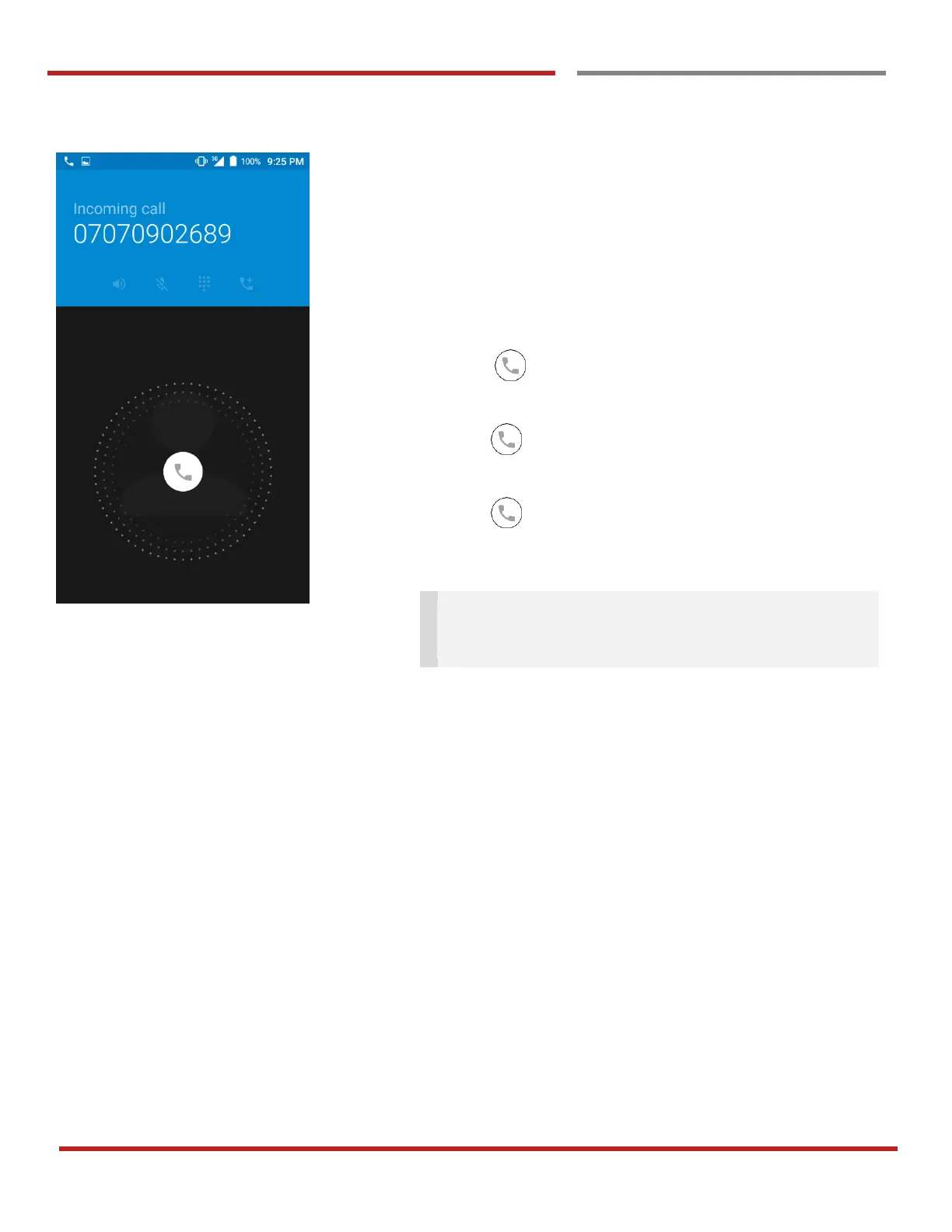
You can answering or rejecting a call by sliding the phone
icon
Slide the icon to the right direction in order to answer
the call
Slide the icon to the left direction in order to reject the
call
Slide the icon upwards to reject the call and send a
preset message to the caller.
Tip: To mute the ringtone volume of an incoming call,
keep press the “Volume down” key or turn your DOT-
PM80 over.



 To Next Page