E 200 man kansi USA C 18/11/02 13:13 Page 2
Options
Exercise Set Watch Set
Time Date
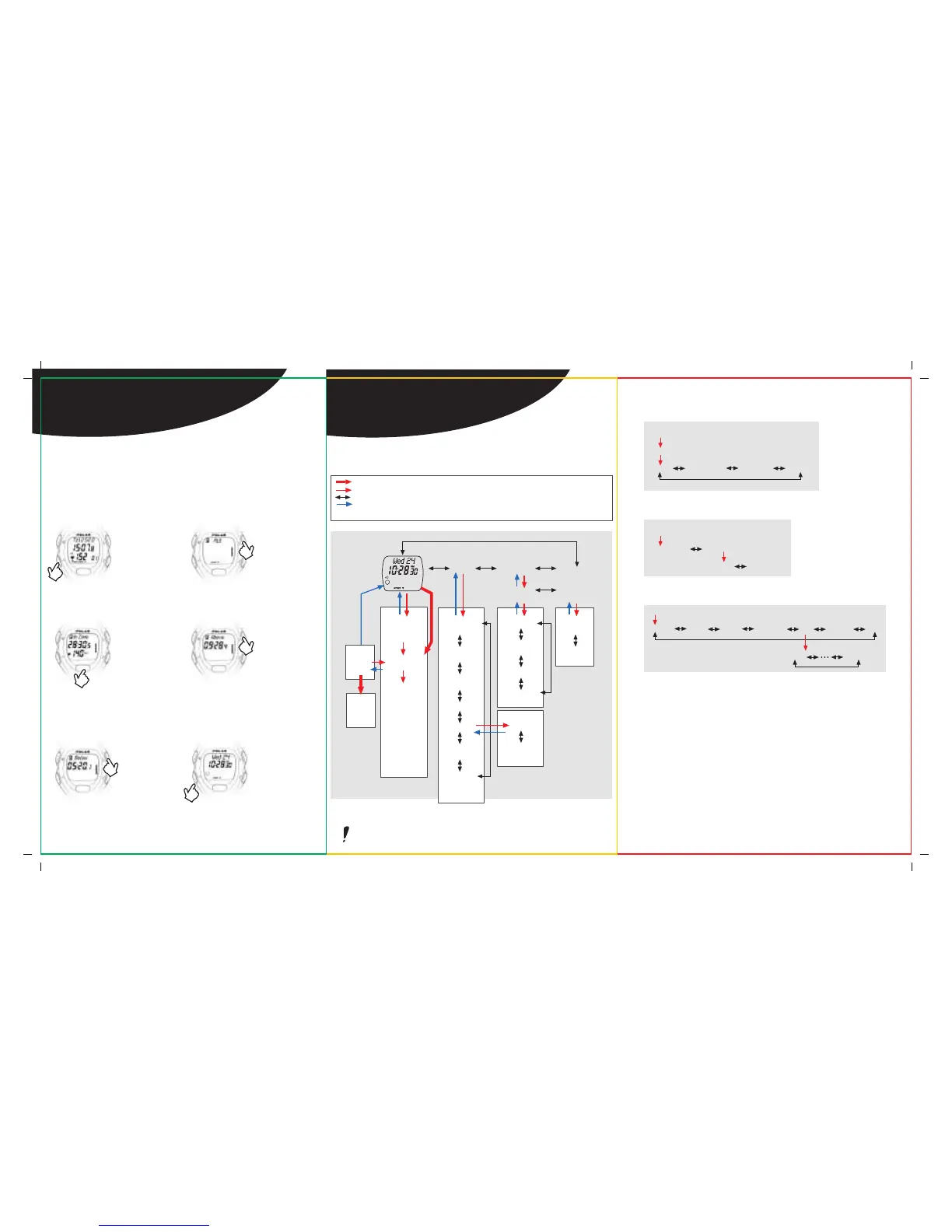
HOW TO STOP THE EXERCISE & RECALL
DATA FROM THE E200
Step 1:
After exercise press
the BLUE button
twice to stop
recording.
Time of Day will
appear.
Step 3:
Press the RED button.
Your screen will read
In Zone.
The middle row will
show the time you
spent in your target
zone.
The lower row will
show your average
heart rate during the
exercise.
Step 5:
Press the UPPER
RIGHT button.
Your screen will read
Below, and you will
see the time you spent
below your target
zone.
Press 2x
Press 1x
Press 1x
Press 1x
Press 1x
Step 6:
Return to Time of Day
by pressing and
holding the BLUE
button.
Step 2:
Press the UPPER
RIGHT button once.
Your screen will read
FILE.
Step 4:
Press the UPPER RIGHT
button.
Your screen will read
Above, and you will see
the time you spent
above your target
zone.
Press and hold
= Press and hold the red button.
= One press of the red button. It allows you to enter modes.
= One press of the right side buttons. These allow you to scroll through different screens.
At any point you can press the blue button to exit the displayed mode, or, you can press
and hold it to get back to the Time of Day.
Time
Set
Date
Set
File Options Connect
Stand by
heart rate
measurement
Measurement
Recording
Lap
Recording
Time in Target
Zone
Time Above
Target Zone
Time Below
Target Zone
Recovery Time
Laps
Total Exe.
Time
Limits
Exercise
Set
Set Limits
Set Recovery
Time
Set Timer 1
Set Timer 2
Lap 1
Further
Laps
Watch
Set
NOTE: Wherever you are in the File or Options modes, pressing and holding the blue
button will bring you back to Time of Day screen.
ROAD MAP
Pause
Mode
Recovery
A REFERENCE FOR THE
ADVANCED USER
File
In Zone Above Below RecoTime Laps ExeTime Limits
Lap 1 Lap 99
Options
Exercise Set
Limits Recovery Timer 1 Timer 2
Exercise Setting Loop
Watch Setting Loop
File Recalling





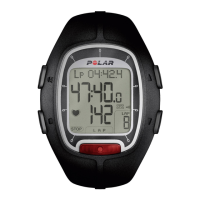
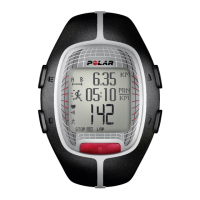


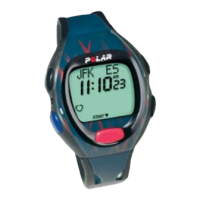

 To Next Page