2
CONTENTS
Contents 2
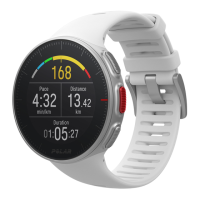
Polar Vantage V User Manual 13
Introduction 13
Take full advantage of your Vantage V 13
Polar Flow App 14
Polar Flow web service 14
Get started 15
Setting up your watch 15
Option A: Set up with a mobile device and Polar Flow app 16
Option B: Set up with your computer 17
Option C: Set up from the watch 17
Button functions and gestures 17
Time view and menu 18
Pre-training mode 18
During training 18
Color touch display 19
View Notifications 19
Tap feature 19
Backlight activation gesture 19



 To Next Page