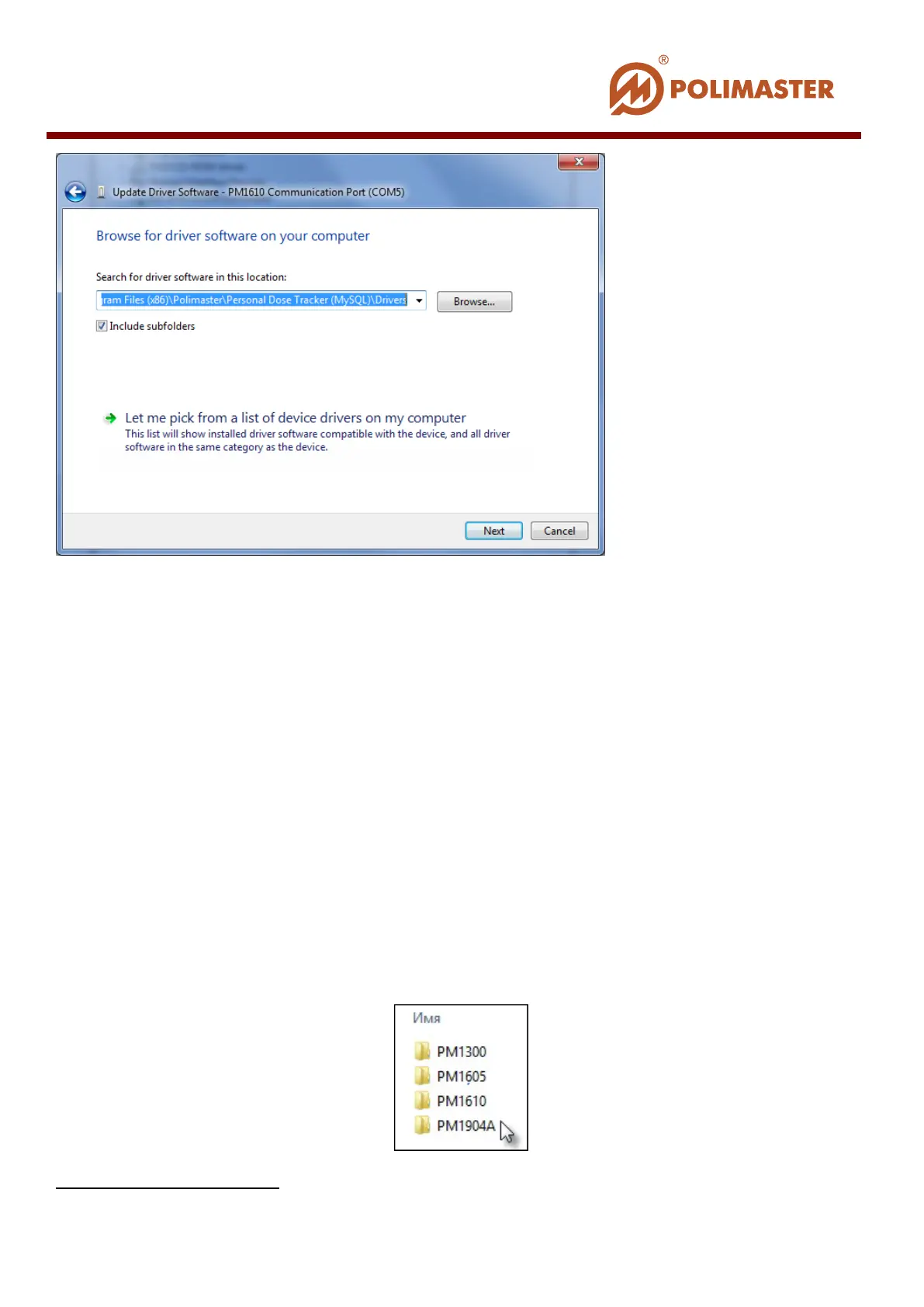
In the opened window using the Browse button select from the drop-down list the folder
containing driver.
Driver folder for РМ1610 instruments is created upon installation of Personal Dose
Tracker (MySQL) software only. Its pathname is as follows:
С
1
:\Program Files\Polimaster\Personal Dose Tracker (MySQL)\Drivers\PM1610.
Press Finish to complete driver installation.
РМ1904А DRIVER INSTALLATION
For Microsoft Windows 7
It is necessary to install the drivers for PM1904A before initial connection of the instrument
and PC. Choose the PM1904ADriverInstaller_x86.
PM1904ADriverInstaller_x64.exe)) file from the C:\Program Files\Polimaster\Personal
Dose Tracker (MySQL)\Drivers Folder and run it.
Driver Installation wizard will help you install the drivers.
1
Or any other system drive with “Personal Dose Tracker (MySQL)” software installed
____________________________________________________________________________________
© 2016 Software Guide www.polimaster.com
41



 To Next Page