EasyManua.ls Logo

Polycom IP 6000 - Guided Setup; Connect Cables

Polycom IP 6000
18 pages
Print Icon
To Next Page IconTo Next Page
To Previous Page IconTo Previous Page
Loading...
4






#
$%&
 "
 " #!

 "
$% &' " !




 ! "
##
$%
!
#"$
&

#'



 





'(($$(
Guided Setup
Connect Cables
Please follow the diagram to install your phone.
Once plugged in, the phone will automatically
download its conguration and start to work.
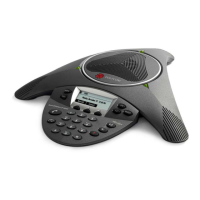
To install the SoundStation IP 6000 / 7000, plug one end of the network cable into
the network port on the bottom of the SoundStation IP 6000 / 7000 console, and
plug the other end of the network cable into your data port with PoE.
Network
Cable


Related product manuals