11
2. Adding an extension on the administration portal
All telephones you receive are preconfigured and connected to the telephone system.
C. Operation
1. Overview
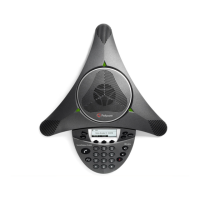
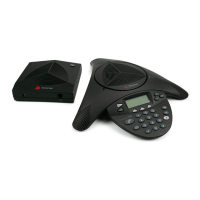
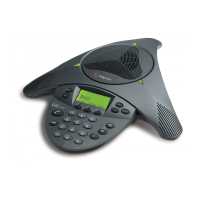
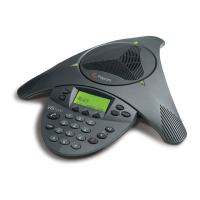
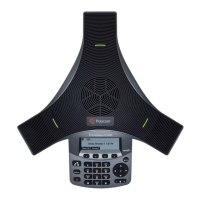
Diagram of the Polycom SoundStation IP 5000:
LED status display
The LED lights indicate the status of the conference telephone:
Continuously red: The microphones on the conference telephone are muted during a call
(“Mute”)
Flashing red: A call is being held (“hold”)
Continuously green: Line free when entering the telephone number during an active call
Flashing green: Incoming call










 To Next Page