17
A conference call with more than 3 parties can easily be set up on the administration
portal: Please refer to Telephone Conferences in the administration portal manual.
7. Redialing
- Press the “Redial” key.
- This automatically redials the last number called.
8. Calling from the call list
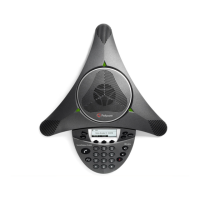
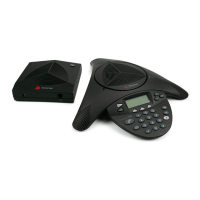
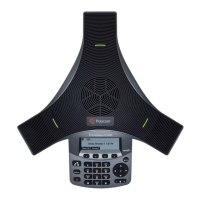
Polycom SoundStation IP 5000 and IP 7000
Outgoing calls
- Press the navigation key (arrow to the right).
- Use or to browse the list of outgoing calls (downward arrow and upward arrow).
- Once you have found the entry you would like to call, simply press the "Call" key to place
the call.
Incoming calls
- Press the navigation key (arrow to the left).
- Use and to browse the list of outgoing calls (downward arrow and upward arrow).
- Once you have found the entry you would like to call, simply press the "Call" key to place
the call.
Polycom SoundStation IP 5000, IP 6000 and IP 7000
Missed calls
- Press the navigation key (downward arrow).










 To Next Page