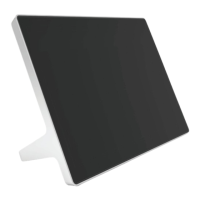
If paired to a codec, unpair the device before factory restore.
1. In the device local interface, go to Settings > Reset > Reset.
2. To confirm, select Reset.
The Poly TC10 resets all configurations to factory defaults. The most recently installed version of
software remains on the device.
Factory Restore the Poly TC10 in the Zoom Device Manager
You can restore the TC10 to its default settings in the Zoom Device Manager (ZDM). This process
refreshes the device by deleting its configurations except the current version of software.
Connect the Poly TC10 to a Zoom Rooms account.
1. Open ZDM from the Zoom web portal.
2. Go to Device Management > Device List.
3. Click the Devices list.
4. Click on the name of the device that you want to reset.
5. In the Details tab, select Factory Reset.
26
Chapter 6Device Maintenance


 To Next Page