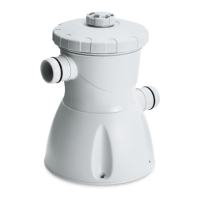
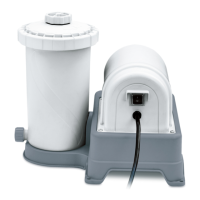
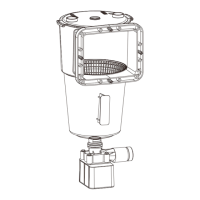
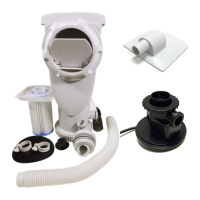
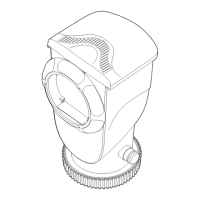
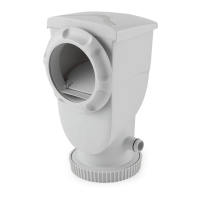
FILTER PUMP OPERATION
IMPORTANT! Your filter pump is protected by a thermal switch. The switch senses the temperature of the filter pump. If it gets too hot, the switch will stop the
pump from running until it cools off. It will automatically turn back on when the filter pump has cooled down. This is a safety device to prevent pump damage and prolong
service life. If your pump is automatically turning off, it is because of high pool water temperature and/or low water flow through the pump. If this happens you need to
check the water flow and correct it if needed, as this filter pump uses the water flow for cooling. You may also want to run the pump at night when the temperature is lower.
PUMP MOTOR PROTECTION
PUMP MAINTENANCE
NOTE :
1. Hot weather/heavy use may require pH and chlorine levels to be maintained on the upper side of the scale and superchlorination of the pool every week.
2. Using a pool cover and/or solar cover will assist in maintaining your pH and chlorine levels by reducing the amount of evaporation from your pool.
CAUTION - Concentrated chlorine levels and low pH levels will damage pool. You must follow the instructions for the pool chemicals you use, as to quantity and
recommended usage. NEVER drop lumps or pellets of chemicals in pool; this may present a hazard to swimmers and/or damage your liner.
1. The following items are required and readily available from your local pool supply store:
• TEST KIT - Used to check chlorine and pH levels.
• 1” CHLORINE TABLETS - Used to disinfect pool water and help control the growth of algae.
• pH CONTROL CHEMICALS - Used to adjust pH levels Up (Soda Ash) or Down (Acid).
• ALGAECIDES - Used to eliminate algae.
• SUPERCHLORINATOR - Used to destroy combined chlorine, ammonia, nitrogen, and organic compounds.
• LEAF NET with handle - Used to remove leaves, trash, insects, etc. from pool.
• CHLORINE DISPENSER (Supplied with Polygroup
®
’s patented Filter Cartridge U.S. Pat. 7,005,062) - Used to
dispense 1” chlorine tablets ONLY.
2. Use test kit daily to check pH and chlorine levels. Adjust accordingly using the required chemicals.
NOTE : Excessive levels of chlorine or low pH levels will damage pool liner.
3. The pool can be cleaned using a garden hose powered vacuum from Polygroup
®
or a pool supply store.
4. Using a foot bath near the pool to wash off your feet prior to entering the pool will assist in keeping the pool clean.
5. Well water often presents special problems with water chemistry. If you must use well water, take a sample to your local pool chemical supplier for analysis before
adding ANY chemicals.
6. Refer to the POOL’s USER MANUEL for the capacity of your pool. You will need this information to determine the amount of chemicals you will need to correct the
pool water. NOTE: It is recommended to use a 5 gallon bucket of water to mix and dissolve your chemicals and then applying directly to the pool water. Follow
manufacturers label directions on all chemicals.*Most pool supply stores will test your pool water for free and advise you of what chemicals you need, and the correct
amount to use for your pool. You will need to tell them the pool capacity in gallons.
7. IMPORTANT - We cannot over-stress the importance of proper and adequate daily chemical treatment. Chlorine and pH levels must be properly maintained at all
times. PUMP AND FILTER ALONE WILL NOT PREVENT ALGAE FROM GROWING IN POOL WATER; THIS CAN ONLY BE DONE BY MAINTAINING PROPER
CHLORINE AND pH LEVELS AT ALL TIMES.
• Maintain pH level between 7.3 and 7.8.
• Maintain chlorine level between 1.0 and 1.6 ppm (parts per million).
• Superchlorinate your pool at least every other week.
POOL WATER CARE
1. Plug the power cord to a properly grounded receptacle at least 15 feet (4.5m) away from the pool.
2. Check the return fitting on the inside of the pool for correct flow; it should feel like a solid stream of water returning to the pool. You can use the return flow as a
gauge to determine when the filter needs cleaning or replacement. If you feel a reduction in flow, clean or replace filter.
3. Test water and adjust as needed, read - “POOL WATER CARE”. VERY IMPORTANT– FILTER PUMP ALONE WILL NOT PREVENT ALGAE FROM GROWING IN
POOL WATER; THIS CAN ONLY BE DONE BY MAINTAINING PROPER CHLORINE AND pH LEVELS AT ALL TIMES!
4. The filter cartridge may need to be cleaned and/or replaced several times at start up until the correct chlorine and pH levels are attained. We recommend that you keep
at least one spare filter cartridge on hand at all times. Filter cartridges may be purchased at the store you purchased your pool from, or ordered from Polygroup
®
.
5. To turn off the filter pump, unplug the power cord .
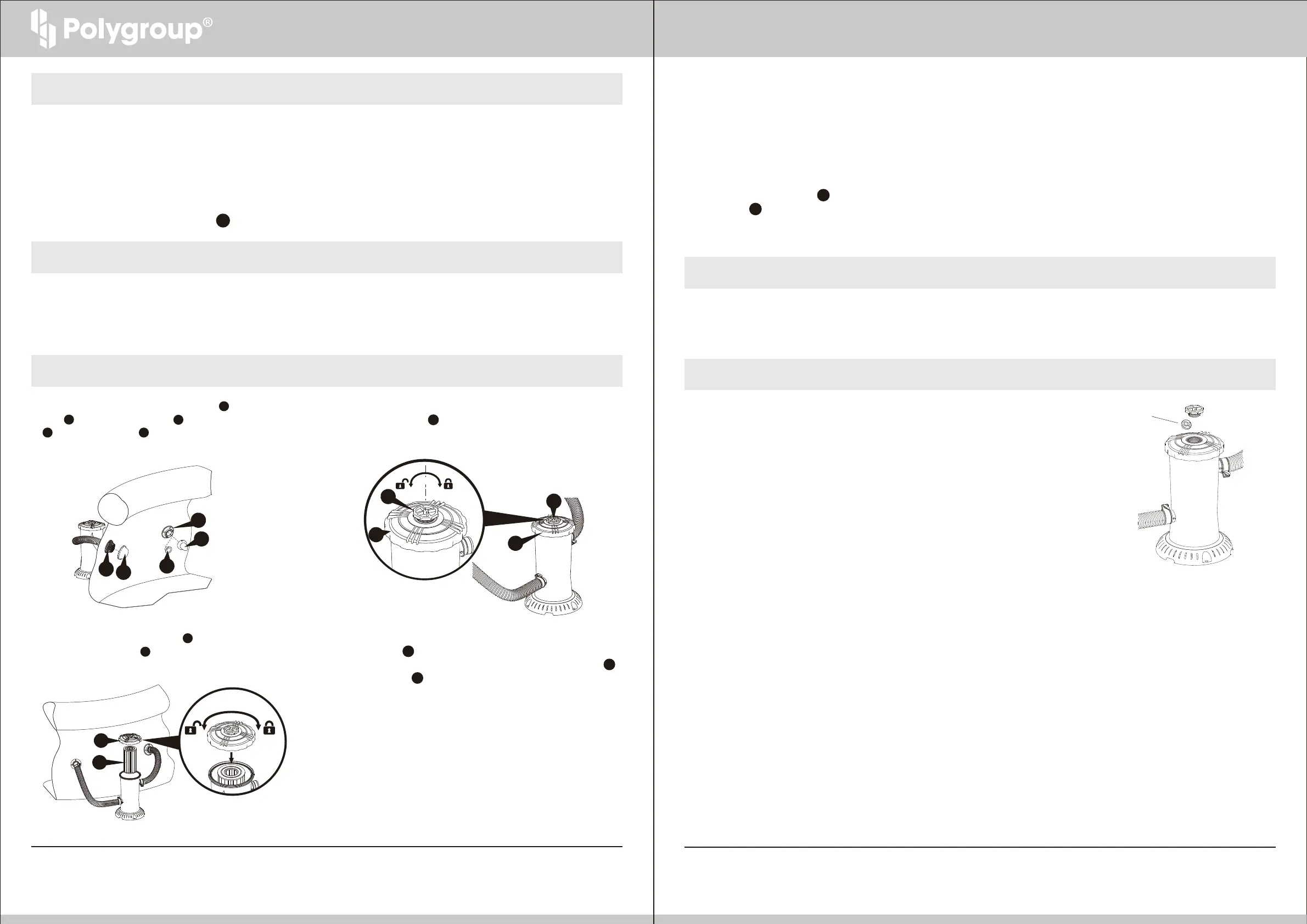
1. Unplug the Filter Pump. Remove the RF Diverter 7 from the Return
Fitting 6 and plug with the RF Plug 8 . Hand tighten the SF Cap
5 onto the Suction Fitting 2 .
2. To depressurize the Filter Pump system, vent the filter pump by twisting
the Vent Screw 12 counter-clockwise.
3. Use both hands to twist off the Seal Top 14 by turning counter-clockwise.
Remove the Filter Cartridge 20 .
4. After you are finished cleaning the filter cartridge, liberally lubricate the
GASKET 16 with petroleum jelly and re-assemble in reverse order.
Before restarting the filter pump, be sure to remove the RF PLUG 8
and SF CAP 5 .
5. The filter cartridge can be cleansed of coarse dirt and debris by pressure
washing inside and out with a garden hose, making sure to wash between
all pleats. Fine particles of dirt are more easily removed from the filter
pleats when the cartridge is dry. Therefore, after hosing the cartridge,
allow the filter to dry and carefully brush, but do not scrub the pleated
surface areas. Cleaning and scrubbing a filter too vigorously will also wear
out the cartridge much faster than if it is simply hosed off correctly.
6. Suntan oils, body oils, and algae can form a coating on the filter pleats which may not be thoroughly removed by hosing. Such films of oils and/or algae will rapidly
clog up the filters’ pores, greatly reducing filtration. Therefore, it is imperative to remove such materials from the filter element as soon as possible. To remove oils,
we recommend soaking the cartridge in a solution of 1 pound of tri-sodium phosphate (or any other strong detergent) to 5 gallons of water for up to 12 hours.
Tri-sodium phosphate is available in many supermarkets, hardware stores, or janitorial supply stores. After the oils have been removed, rinse the filter cartridge to
remove any dirt. If algae is a problem, add 1/2 pint of pool chlorine or 1 pint of liquid household bleach to the cleaning solution, 1 hour before removing the filter
cartridge from the solution. Thoroughly rinse the filter cartridge before replacing it in the filter case. Check the pool chemistry to determine the cause of algae growth.
7. Excessive calcium and/or mineral deposits may build up on a filter cartridge and should be handled differently. Contact your local pool supply store to ask about
additional filter cartridge cleaners or treatment for calcium or mineral deposits. Check pool chemistry for high pH or alkalinity; this may cause a calcium or mineral
build-up.
8. A spare “stand-by” Filter Cartridge 20 is an excellent investment. It provides a convenient way to continue filtration of your pool while cleaning or replacing a dirty
Filter Cartridge 20 . Also, a well-maintained, clean cartridge assures you that your filter will always be ready to operate at peak efficiency.
9. Filter cartridges may be purchased at the store you purchased your pool from, or ordered from Polygroup
®
. Always replace with
genuine Polygroup
®
SUMMER WAVES
TM
filter cartridges.
Chlorine Tablets
27
14
20
FILTER CARTRIDGE CLEANING AND REPLACEMENT
5
2
8
7
6
14
12
14
12
12 13
OWNER’S MANUAL
Should you encounter any problems, contact Customer Service at (844) 252-9983 from 8 AM to 5 PM Mon. thru Fri.
MST. Extended operating days and hours during peak season requirements.
Should you encounter any problems, contact Customer Service at (844) 252-9983 from 8 AM to 5 PM Mon. thru Fri.
MST. Extended operating days and hours during peak season requirements.
1. Check and adjust pH and chlorine levels daily using required chemicals. See Section “POOL WATER CARE.”
2. Check filter pump output daily. If flow is reduced, see Symptom 2 in Section “TROUBLE SHOOTING GUIDE.”
3. Check filter pump, hoses, fitting for leaks. If a leak is found, see Symptom 4 in Section “TROUBLE SHOOTING GUIDE.”


 To Next Page
 Loading...