17
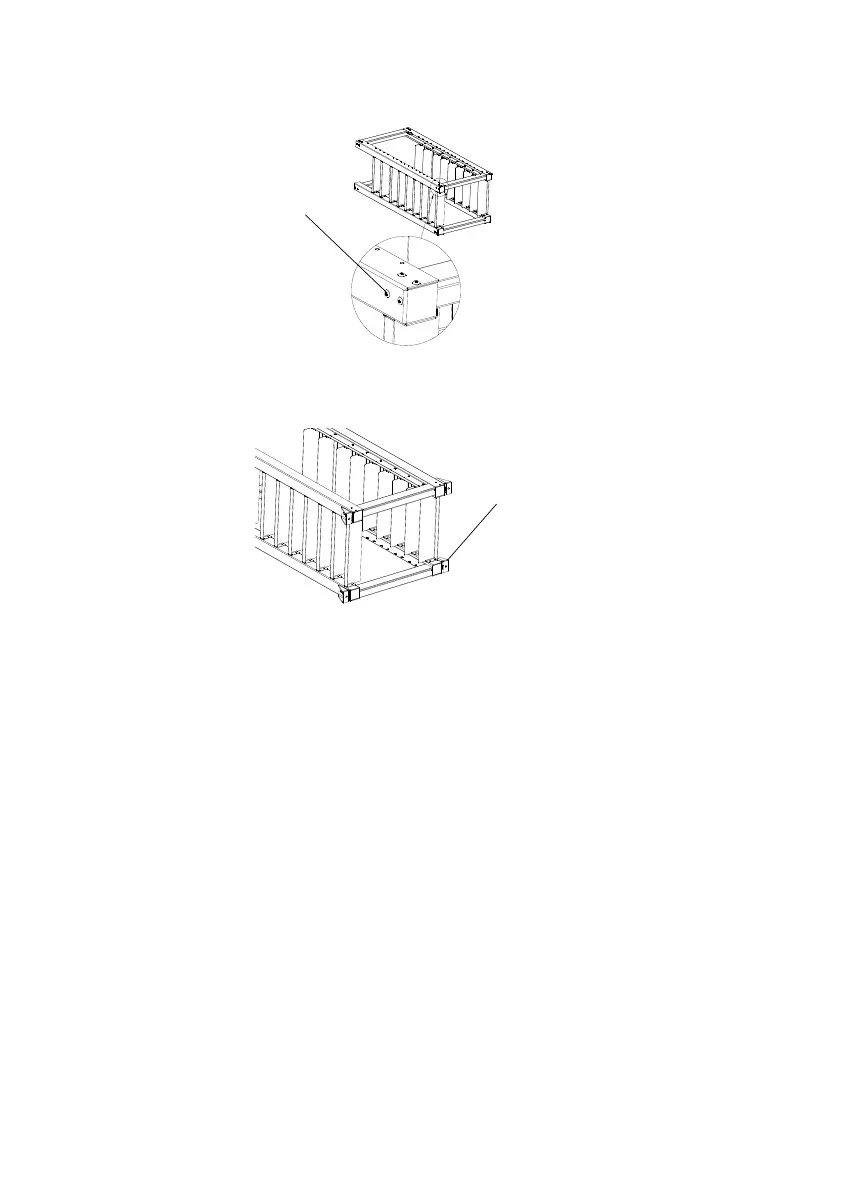
Figure 5.2.2: Install the Screws
(3) Fasten the floor mounting part with screw.
Figure 5.2.3: Fasten the Floor Mounting Part
(4) Put the rack where NetZero will be placed and mount it to the floor and
wall with anchor bolts if necessary
.
Make sure the rack is horizontal and
the front side faces forward. Pay attention to the maintenance space
requirement for each side.
Floor Mounting Part
4pcs
Screw M8*25
4pcs



 To Next Page