26
“Ethernet Cable” in the Network Connection interface of the app.
(2) Wi-Fi Connection
Select “Wi-Fi” in the Network Connection interface of the app.
NOTE: NetZero only supports 2.4G Wi-Fi.
6.5 Reset Network
Long press RST button for 4 seconds on EMS module. Please re-configure
the network following the instructions in the app.
NOTE: A small rod may be needed to press the Reset Button. It is not
provided.
7. Troubleshooting
(1) The indicators on EMS modules are always solid red.
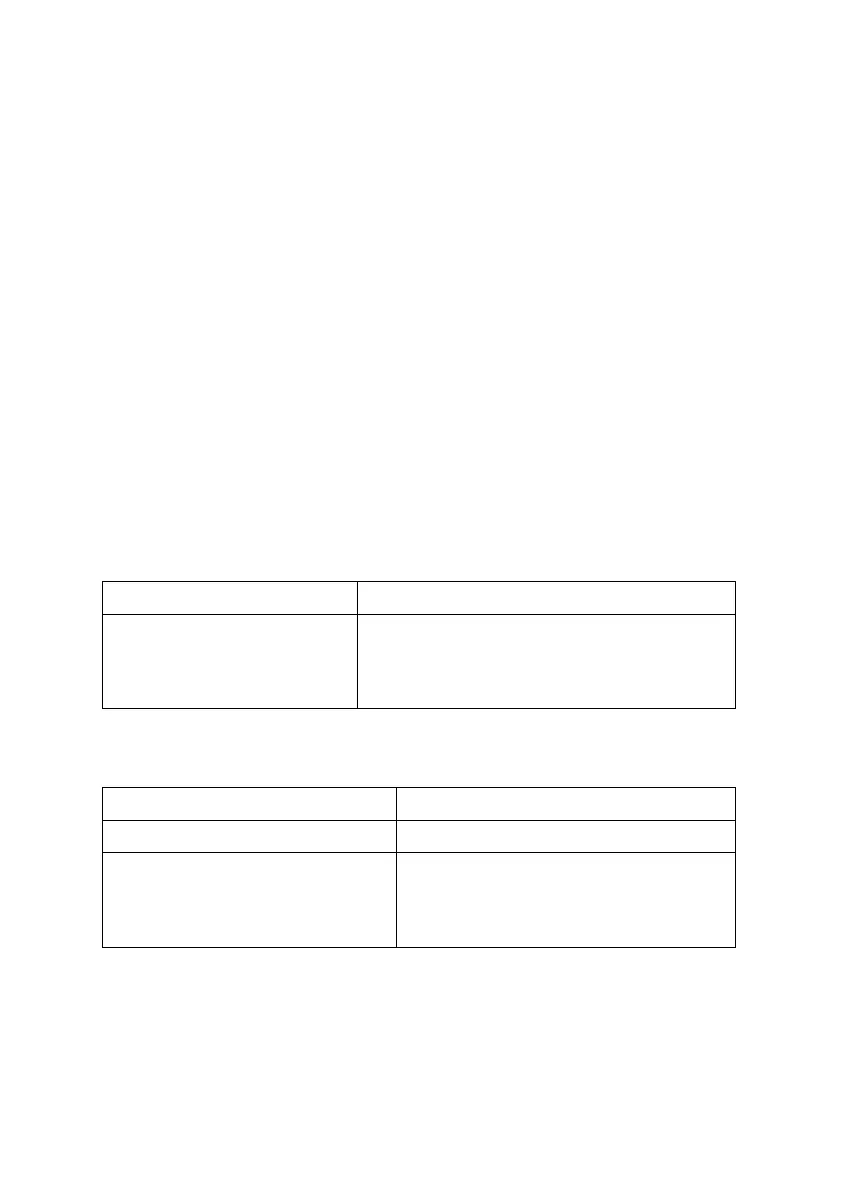
Table 7.1: Solutions for Troubles #1
The device may be crashed
or damaged.
Unplug power supply of DV12 on EMS and
re-plug in 5 seconds. If it cannot recover,
shut it down and contact us.
(2) The indicators on EMS modules are always blinking red.
Table 7.2: Solutions for Troubles #2
The indicator was not blinking red
before configuring the network.
Make sure the indicator is blinking red
before configuring the network.
Try to re-configure the network.
(3) The indicators on EMS modules are always blinking green.



 To Next Page