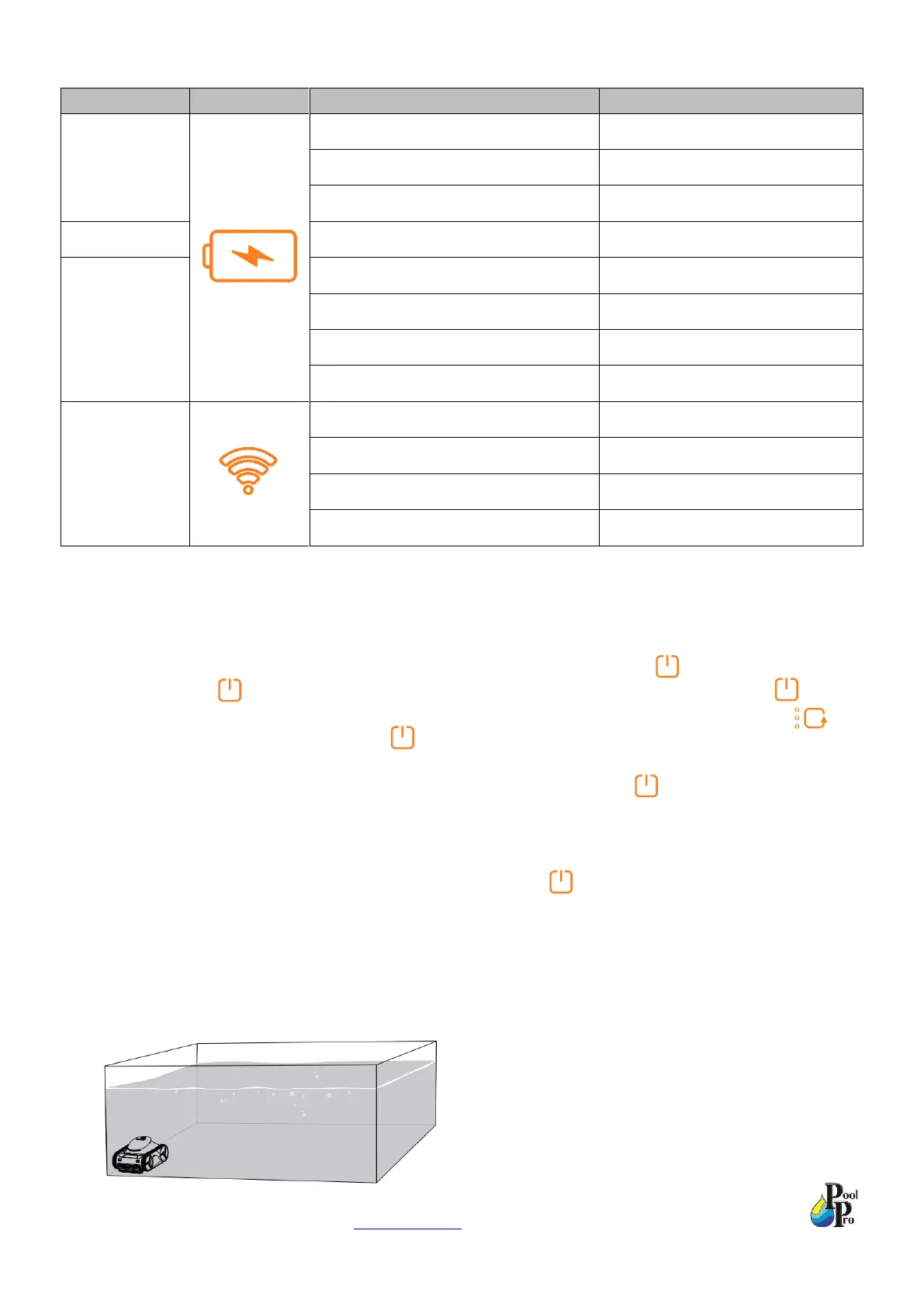
*Note: If the cleaning time is set to be more than 2 hours via the App, there will also be 3 lights on.
2.2 Startup and Operation of the Unit
1. Remove the magnetic safety cap from underneath the robot; the robot will automatically turn on. If the magnetic
safety cap has previously been removed from underneath the robot, hold down for 3 seconds to turn on
the robot. When flashes, you can begin setup/programming of the robot. After setup, press once to
confirm your settings and immediately commence the cleaning cycle. If you have selected an AI Mode you
also have the option to continuously press for 3 seconds to delay the commencement of the cleaning cycle.
EXAMPLE: If you select the AI Mode for “cleaning every 24 hours” then press once, the cleaning cycle will
commence immediately. After one cleaning cycle, the robot will enter Sleep mode and automatically wake up
and start the cleaning cycle after 24 hours.
If you select the AI Mode for “cleaning every 24 hours” then press continuously for 3 seconds, the robot will
enter Sleep mode at first. After 24 hours, it will start cleaning automatically.
2. Place the robot into the pool water (we recommend the corner of the pool) within 3 minutes of setting the program,
otherwise the robot will enter Sleep mode. When placing the robot into the pool water, ensure it is fully
submerged, then gently tilt the robot slightly in all directions to ensure any air contained in the robot is released.


 To Next Page