REV. 032017
6
S2.1 Start-up
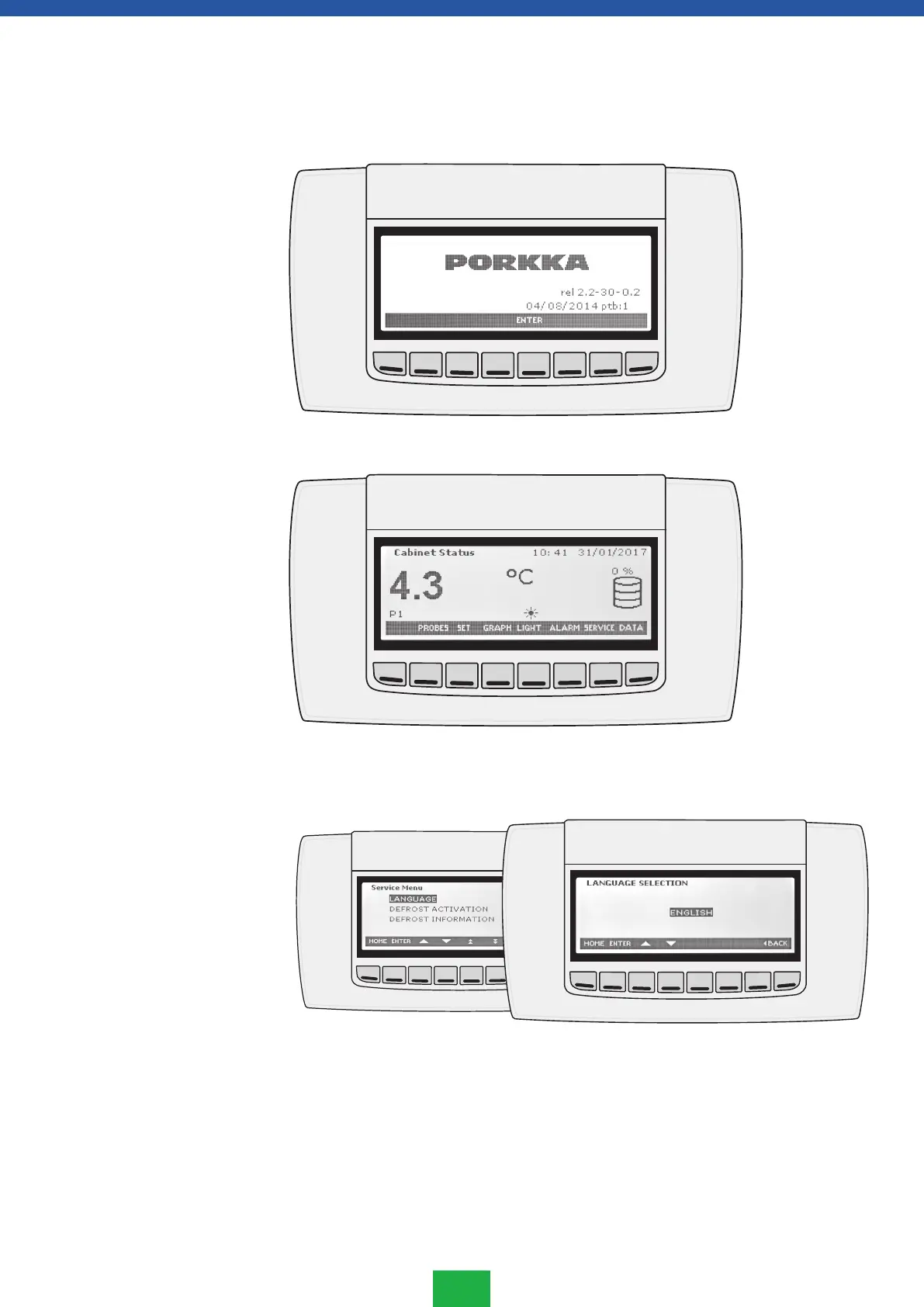
Connect the cabinet to the power supply, The start-up screed shown below will appear on
the controller.
Press the ENTER button below the text and the controller is ready for use.
S2.2 How to set the language
The default factory setting is English. It can be changed to Finnish, Swedish or German
as follows:
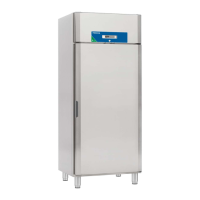
1. Go to SERVICE MENU with SERVICE button.
2. Select LANGUAGE submenu with arrow keys and press ENTER
3. Select the required language by pressing ENTER again (language starts to flash) and
with the arrow UP or DOWN.
4. Save the selection by pressing ENTER and return to the initial state with HOME key.
S2. Setting up



 To Next Page