PRK-8000 Operation Manual
- 17 -
5.3 Keratometry [KER Mode]
Only the radius of curvature of the cornea can be measured in KER Mode.
NOTES: Don’t measure the base curve of contact lens in this mode.
Measurement error will occur when it is measured in KER mode.
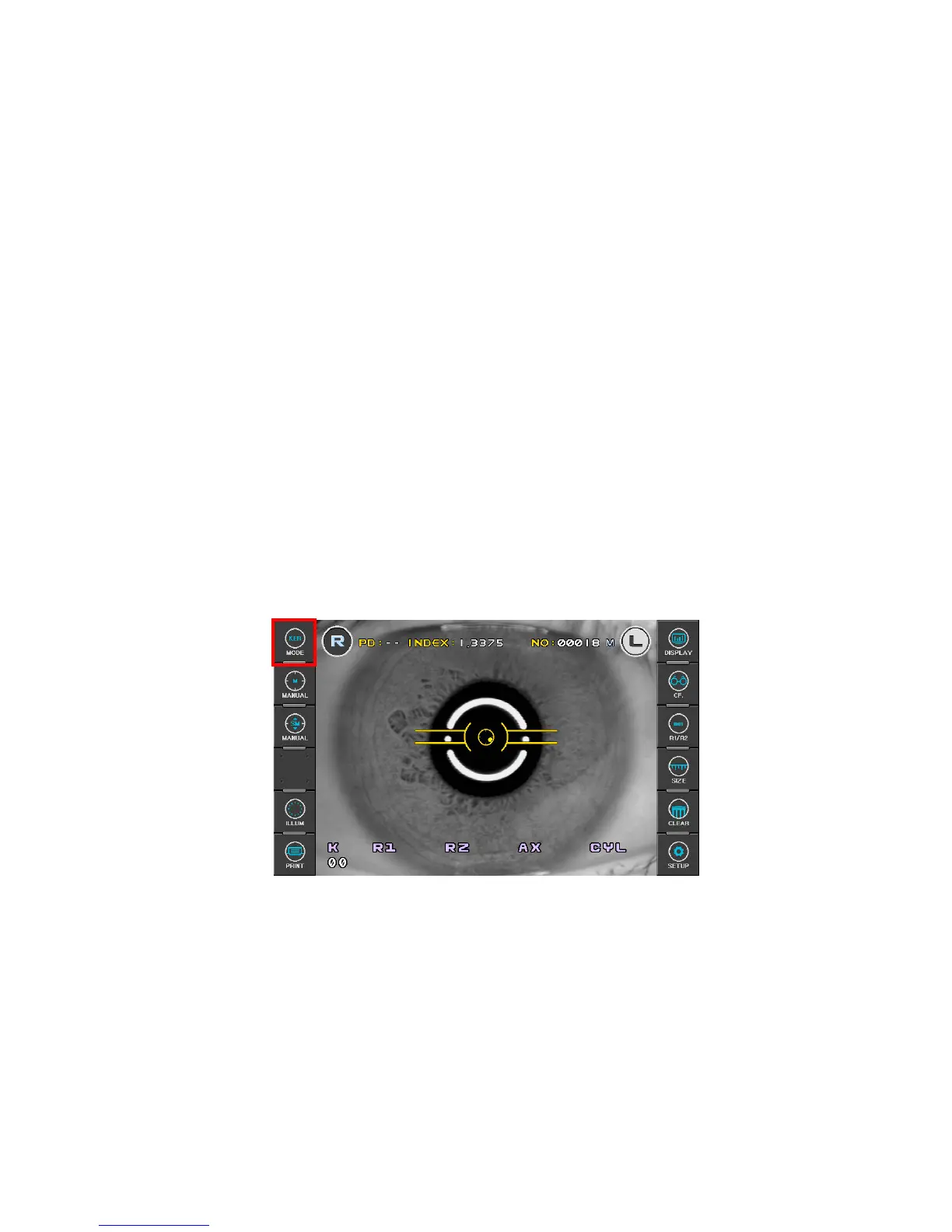
(1) Enter KER Mode.
Press MODE button on the left side of the display, and then select “KER”.
(2) Follow the same procedure (2) and (3) of the Continuous Keratometry and
Refractometry [K/R Mode].
(3) Measurement
Press the Measuring button .
Measurement will be continuously performed when the Measuring button is kept
pressed.
z The measured results will be displayed on the monitor.
z In case of the continuous measurement, previous measured result will be displayed.
z When measured results are displayed, changing for REF/KER of SETUP Mode
renders each cornea measured result of R1/R2/AX Æ K1/K2/AX Æ AR/CY/AX
displayed in turn.



 To Next Page