PRK-8000 Operation Manual
- 24 -
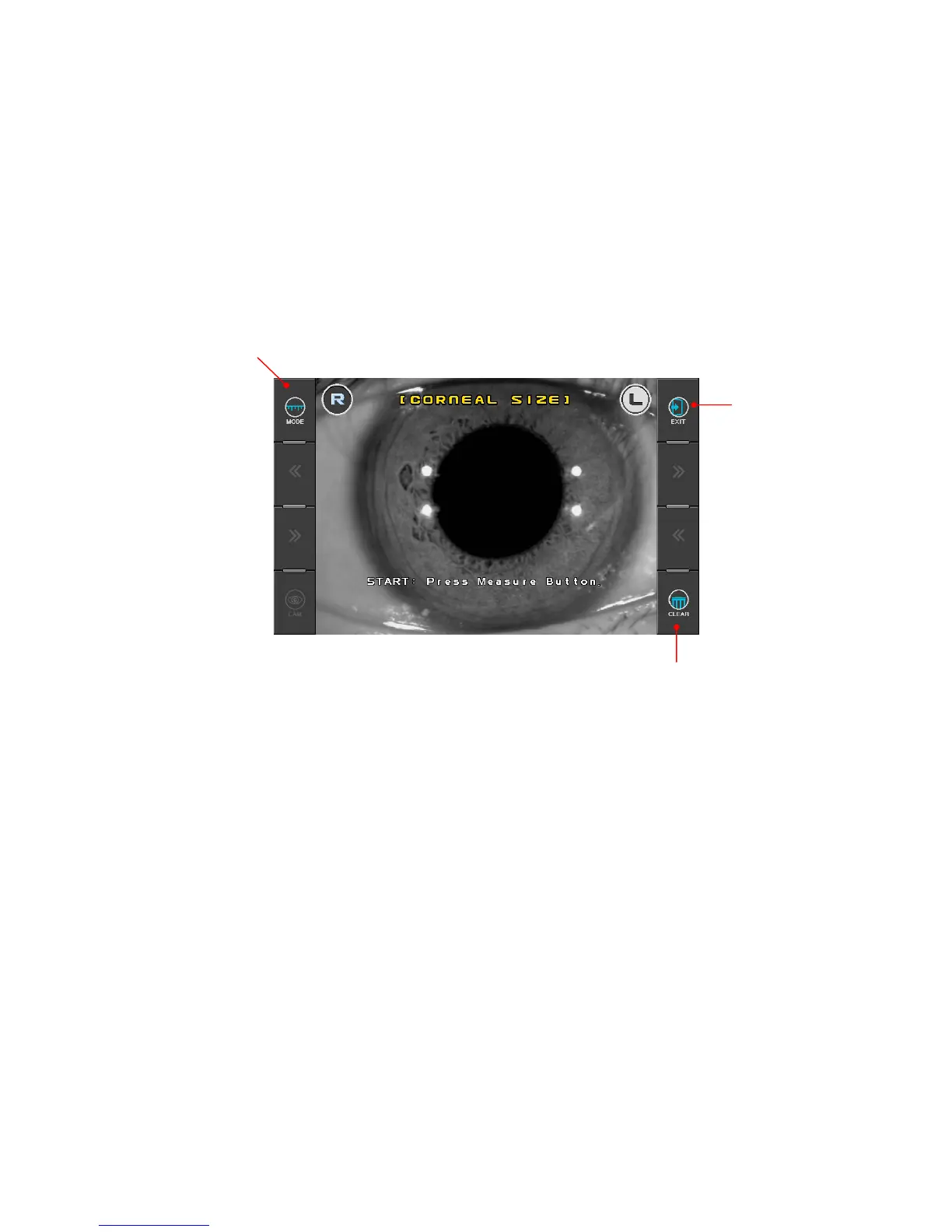
6.2 Measuring Cornea Diameter [SIZE Mode]
Diameter of cornea can be measured in SIZE Mode for prescribing contact lens.
The size of pupil can also be measured to see how much it is dilated, and the size of contact
lens can be measured without having the examinee remove it.
(1) Enter SIZE Mode.
Press SIZE button in the Measurement Mode. Press Exit button in order to go out SIZE
Mode.
Change the mode (“[CORNEAL SIZE]”Î “[PUPIL SIZE]”Γ[PD]”)
(2) Positioning and Focusing
Ask the examinee to look at the red roof of the eye fixation target.
Control operation lever to align the pupil between the two vertical bars
z If the diameter of contact lens is going to be measured, focus on the edge of lens.
z If the diameter of pupil is going to be measured, focus on the iris.
Exit of the
SIZE Mode
Unfreeze the image and delete the results



 To Next Page