PRK-8000 Operation Manual
- 19 -
5.4 Contact Lens Base Curve Measurement
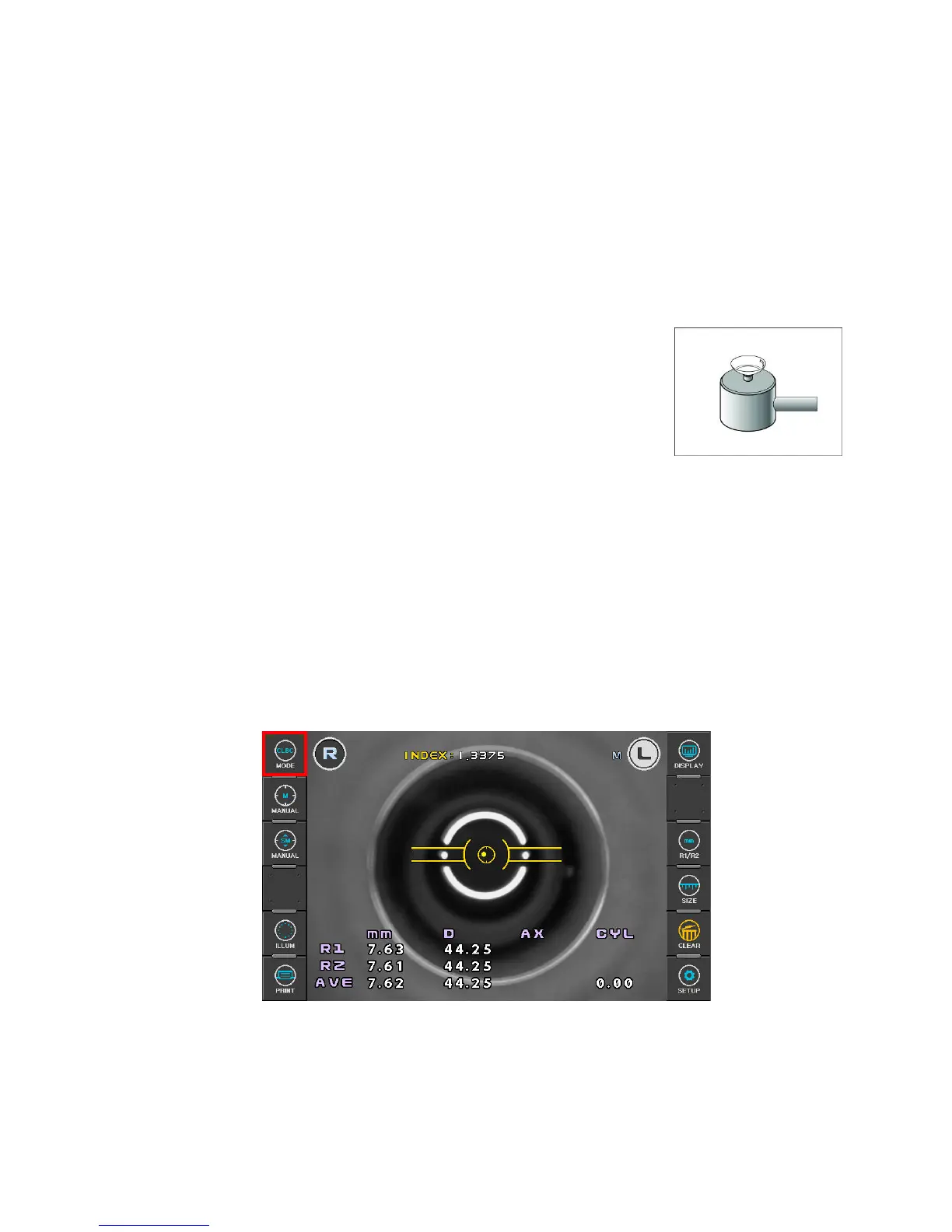
[CLBC mode]
Base curve (posterior curve) of hard contact lens can he measured in the CLBC Mode.
(1) Enter CLBC Mode
Press MODE button on the left side of the display, and then select “CLBC”.
(2) Attach Contact Lens.
Put water in the concave section of contact lens holder at
backside of the TEST Model Eye and place the contact lens on
the holder with the concave surface facing upward. Contact
lens is attached by surface tension. Take care that the contact
lens is not attached inclined. Also, take care that there are no
bubbles behind the contact lens.
(3) Attach the TEST Model Eye.
Remove the chin rest paper. Fix the model eye attached with contact lens using pin.
Place the contact lens to face the measurement window.
(4) Perform alignment and Focusing
Align alignment marks and mire image.
Then, focus on the mire image.
(5) Measurement
Press the Measuring button .
Measured results will be displayed on the monitor.
(6) Print
Press the PRINT button.



 To Next Page