EasyManua.ls Logo

Power Acoustik PCD-42B - User Manual

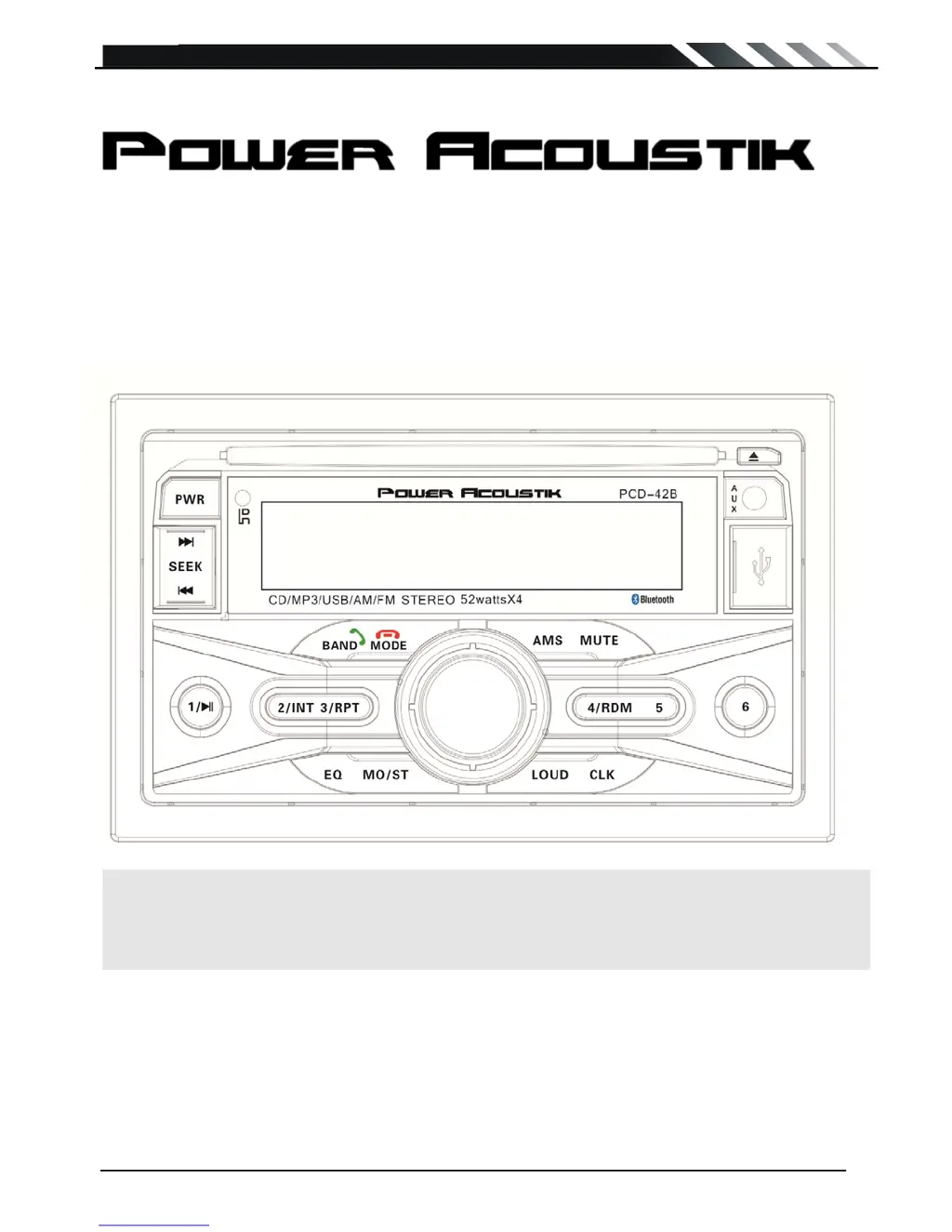
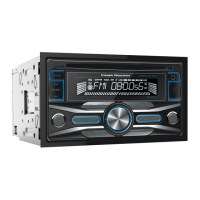
Power Acoustik PCD-42B
14 pages
Print Icon
To Next Page IconTo Next Page
Loading...
Page - 1
PCD-42B
Owner’s Manual
Take the time to read through this owner’s manual.
Familiarity with installation and operation procedures will help you obtain the best
Performance from your new CD-receiver.

Questions and Answers

  • P
    Patrick MartinJul 31, 2025
    How to fix a Power Acoustik PCD-42B Car Receiver that won't turn on?
    • A
      agloverJul 31, 2025
      If your Power Acoustik Car Receiver isn't turning on and no sound is produced, the fuse might be blown. Replace it with a fuse that has the same amperage rating. If it blows again, it's best to consult your local retailer. Also, incorrect wiring could be the cause, so it's recommended to consult with your local retailer.
  • W
    William HughesAug 10, 2025
    What to do if my Power Acoustik Car Receiver has no sound?
    • B
      Brian PalmerAug 10, 2025
      If there's no sound from your Power Acoustik Car Receiver or its external amplifier, here are a few things to check: 1. Make sure the amplifier output wiring is correctly connected according to the unit wiring diagram, and that there are no short circuits. 2. Ensure the unit is not in MUTE mode by turning off the MUTE function. 3. Verify that the RCA output is correctly connected to the external amplifier. 4. Check the wiring between the external amplifier’s REM terminal and the unit’s antenna lead, ensuring they are properly connected and that the antenna output lead is not short-circuited to ground.
  • J
    Jessica PierceAug 20, 2025
    Why does my Power Acoustik PCD-42B Car Receiver freeze or display inaccurately?
    • T
      Thomas CooperAug 20, 2025
      If nothing happens when you press the buttons on your Power Acoustik Car Receiver, or if the display is not accurate, it could be due to a microprocessor malfunction caused by noise. To resolve this, turn off the power, then press the [NO OPEN] button and remove the DCP. After that, press the reset button for about 2 seconds. Another possible cause is dirty panel or main unit connectors. Try wiping the dirt off with a soft cloth moistened with cleaning alcohol.

Summary

Precautions

Safety Precautions

To prevent electrical shock, avoid water exposure, clean with a soft cloth, and ensure proper installation.

Operation Precautions

Dispose batteries properly and note data loss upon disconnection from the car battery.

Wiring Diagram

Bluetooth Operation

Remote Control Usage

Remote Control Operation

Explains how to use the remote control, including range and angle recommendations.

Specifications

Feature Details

Outlines playback capabilities (MP3, WMA, USB upgrade), tuner memory, and audio DSP effects.

Troubleshooting Guide

General Issues

Covers common problems like power not turning on, no sound, or unresponsive buttons/display.

Power and Sound Problems

Addresses specific causes and remedies for power failure and lack of audio output.

Button and Display Malfunctions

Provides solutions for unresponsive buttons and inaccurate display readings.

Power Acoustik PCD-42B Specifications

General IconGeneral
BrandPower Acoustik
ModelPCD-42B
CategoryCar Receiver
LanguageEnglish

Related product manuals