EasyManua.ls Logo

Power Acoustik PD-701 - User Manual

Power Acoustik PD-701
26 pages
Print Icon
To Next Page IconTo Next Page
Loading...
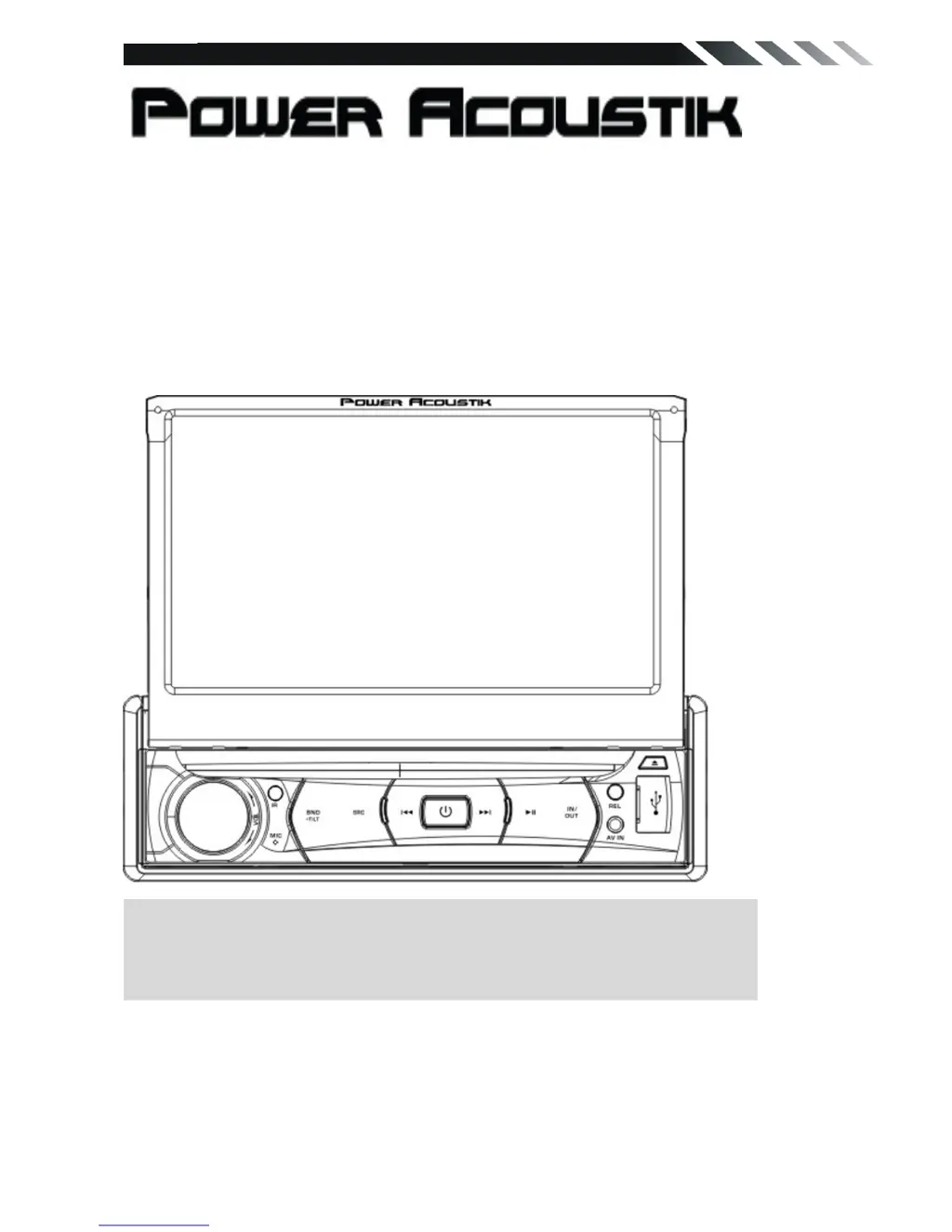
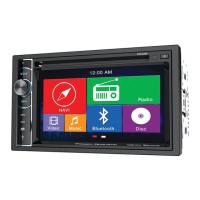
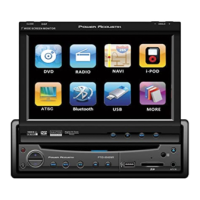
PD-701/PD-701T
In-Dash 7” Monitor
Touch Screen
DVD/CD/MP3/MP4
AM/FM Radio
Build-in TV tuner (only for PD-701T)
Owner’s Manual
Take the time to read through this owner’s manual.
Familiarity with installation and operation procedures will help you obtain the best
Performance from your new DVD-receiver.

Questions and Answers

  • D
    Dana SalazarAug 1, 2025
    What to do if my Power Acoustik PD-701 doesn't turn on and there's no sound?
    • J
      Joseph SmithAug 1, 2025
      If your Power Acoustik car receiver isn't powering on and there's no sound, the fuse may be blown. Replace it with a fuse of the same amperage. If it blows again, consult your store of purchase. Alternatively, the wiring might be incorrect, in which case you should consult your local retailer.
  • P
    Patrick TurnerAug 8, 2025
    What to do if my Power Acoustik PD-701 has no sound output with amplifiers or power antenna?
    • D
      Dennis JohnsonAug 8, 2025
      If there's no sound output from your Power Acoustik car receiver when using amplifiers or a power antenna, the power antenna lead might be shorted. Here's what to do: 1. Turn off the unit. 2. Remove all wires attached to the power antenna lead and check for shorts to ground using an ohm meter. 3. Turn the unit back on. 4. Reconnect each amplifier remote wire to the power antenna lead one by one. If the amplifiers turn off before all wires are attached, use an external replay to provide remote-on voltage (excessive current required).
  • J
    jennifer51Aug 16, 2025
    What to do if nothing happens when I press the buttons on my Power Acoustik PD-701 Car Receiver?
    • J
      Jennifer HunterAug 16, 2025
      If nothing happens when you press the buttons on your Power Acoustik car receiver, it could be due to a microprocessor malfunction. Turn off the power, then press the [no open] button and remove the DCP. Press the reset button for about 2 seconds with a thin rod. Another cause might be dirty panel or main unit connectors. Wipe them off with a soft cloth moistened with cleaning alcohol.
  • E
    Emily WarrenAug 23, 2025
    What does a small LCD display error message on my Power Acoustik PD-701 Car Receiver mean?
    • F
      fdavisAug 23, 2025
      If you're seeing a small LCD display error message on your Power Acoustik car receiver, it could indicate a deck mechanism error, a disc or servo error, or a USB error. For a deck mechanism error, reset the unit. For a disc or servo error, try changing the disc or resetting the unit. If it's a USB error: 1. Remove the USB and insert it again. 2. Check the file for errors. 3. Reset the unit.

Summary

WARNING!

OPERATION PRECAUTIONS

INSTALLATION; UN-INSTALLATION

INSTALLATION

Details the process of installing the unit into the dashboard.

UN-INSTALLATION

Explains how to safely remove the unit from the dashboard.

WIRING CONNECTIONS

PANEL

VOL Knob;SEL;MUTE

Controls volume, sound settings, and mute function for the audio system.

REMOTE CONTROL

MAIN MENU

RADIO PLAYER

Accesses and controls the AM/FM radio functionality.

DVD PLAYER

DISC;USB INTERFACE

SETTING CONTROL

Customizes device settings for personal needs.

SOUND CONTROL

DVD SET UP MENU

Password

Manages the unit's password for security and settings access.

Rating; PARENTAL SETUP

Controls content access based on age ratings for DVDs.

TV SECTION (ONLY FOR PD-701 T)

Smart Control

Activating Smart Control

Guides the setup for hands-free phone and media control.

TROUBLESHOOTING

Power Acoustik PD-701 Specifications

General IconGeneral
BluetoothYes
SD Card SlotYes
DVD PlayerYes
Radio TunerAM/FM
Steering Wheel Control CompatibleYes
Rear Camera InputYes
Subwoofer OutputYes
Resolution800 x 480
Audio Formats SupportedMP3, WMA
Video Formats SupportedMP4, AVI
Preamp OutputsFront, Rear, Sub
Aux InputYes
Display TypeTFT LCD

Related product manuals