EasyManua.ls Logo

Power Acoustik PD-710 - User Manual

Power Acoustik PD-710
25 pages
Print Icon
To Next Page IconTo Next Page
Loading...
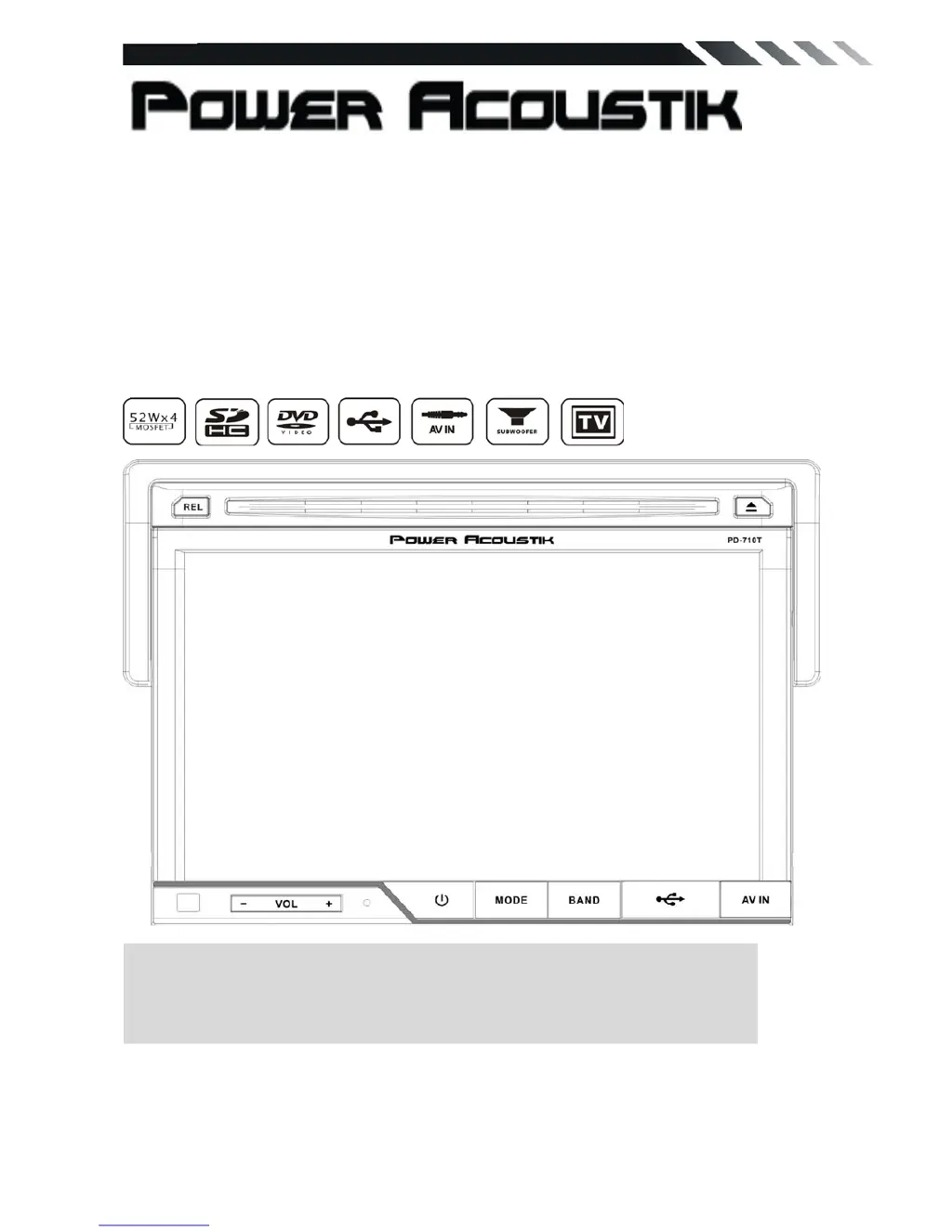
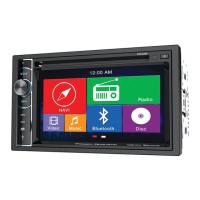
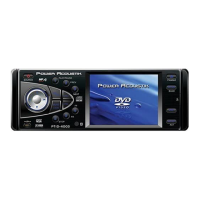
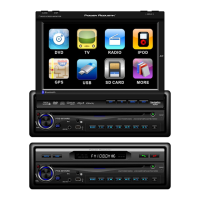
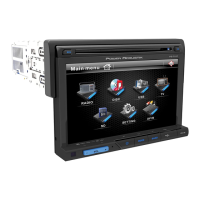
PD-710/ PD-710T
In-Dash 7 ” Monitor
Touch Screen
DVD/CD/MP3/MP4
AM/FM Radio
Built-in TV tuner
Owner’s Manual
Take the time to read through this owner’s manual.
Familiarity with installation and operation procedures will help you obtain the best
Performance from your new DVD-receiver.

Questions and Answers

  • G
    Gregory LongJul 26, 2025
    How to fix Power Acoustik Car Receiver when it does not turn on?
    • H
      hannah88Jul 27, 2025
      If your Power Acoustik car receiver isn't turning on, it could be due to a blown fuse. Replace it with a fuse of the same amperage. If it blows again, consult your store of purchase. Another cause might be incorrect wiring, in which case you should consult your local retailer.
  • J
    Jordan MyersAug 2, 2025
    What to do if the sound is bad on my Power Acoustik PD-710 right after turning it on?
    • K
      Kristy BradyAug 2, 2025
      If the sound quality of your Power Acoustik car receiver is poor immediately after turning it on, it might be because water droplets have formed on the internal lens due to parking in a humid place. Let it dry for about 1 hour with the power on.
  • D
    delgadotracyAug 8, 2025
    How to resolve bad sound on Power Acoustik PD-710 after power on?
    • N
      Nathaniel CurryAug 8, 2025
      If the sound is bad directly after turning on your Power Acoustik car receiver, the compact disc might be dirty. Clean the compact disc without scratching it. Alternatively, the compact disc could be heavily scratched or warped, in which case you should replace it with a compact disc without scratches.
  • C
    camachokristinAug 13, 2025
    What to do if Power Acoustik Car Receiver buttons don't work?
    • B
      bobbymendozaAug 13, 2025
      If the buttons on your Power Acoustik car receiver aren't responding and the display is inaccurate, it could be due to a microprocessor malfunction caused by noise or other interference. Turn off the power, then press the [no open] button and remove the DCP. Press the reset button for about 2 seconds with a thin rod. Alternatively, the panel or main unit connectors might be dirty. Try wiping the dirt off with a soft cloth moistened with cleaning alcohol.
  • J
    Jeanette AbbottAug 20, 2025
    Why is there no sound from my Power Acoustik PD-710 Car Receiver with amplifiers or power antenna?
    • M
      Mark GilbertAug 20, 2025
      If you're not getting any sound output from your Power Acoustik car receiver when amplifiers or a power antenna are attached, the power antenna lead might be shorted to ground, requiring excessive current, or there may be an issue with the remote on the amplifiers or power antenna. Here’s what to do: 1. Turn off the unit. 2. Remove all wires attached to the power antenna lead and check each wire for a possible short to ground using an ohm meter. 3. Turn on the unit. 4. Reconnect each amplifier remote wire to the power antenna lead one by one. If the amplifiers turn off before all wires are attached, use an external replay to provide remote-on voltage (excessive current required).

Summary

Safety Warnings

Operation Precautions

Installation and Uninstallation

Unit Installation

Details the steps for physically installing the unit into the dashboard.

Wiring Connections Guide

Speaker Wiring

Explains the ISO speaker connection layout for audio output.

Parking Brake Wire

Details the connection of the parking brake wire for safety features.

Reversing Camera Wiring

Instructions for connecting the reversing line for rear view camera input.

Unit Controls and Interface

Front Panel Controls

Details the IR sensor, volume, mode, band, USB/AV ports, panel release, and disc loading.

Panel Indicators and Slots

Describes the info display, eject button, reset button, anti-theft LED, and SD/MMC slot.

Remote Control Functions

Mode, Power, and Band Controls

Covers the functions of MODE, POWER, and BAND/RDM buttons.

Navigation and Playback Controls

Explains ENTER, Cursor, EJECT, STEREO/MONO, P.SCN/RPT buttons.

Search, Volume, and Mute Controls

Details the SEEK, LOUD, VOL+/VOL-, and MUTE buttons.

Radio Player Operation

DVD Player Operation

Media File Playback

DVD Language and Parental Controls

System Information and Calibration

TV Section Operation

Troubleshooting Common Issues

General Unit Malfunctions

Troubleshoots power, sound output, and button response problems.

Troubleshooting Operation Problems

Power, Disc Loading, and Reading Issues

Solutions for no power, disc loading, or reading errors.

Sound, Operation, and Radio Issues

Resolves sound skips, unresponsive keys, and radio reception problems.

Power Acoustik PD-710 Specifications

General IconGeneral
BluetoothYes
USB Ports1
Power Output50W x 4
Preamp Outputs3 (Front, Rear, Subwoofer)
EqualizerYes
DVD PlayerYes
SD Card SlotYes
Steering Wheel Control CompatibleYes
Rear Camera InputYes
Max Power Output200W
AUX InputYes
AM/FM TunerYes
Remote ControlYes
Subwoofer OutputYes
Display TypeLCD
Audio Formats SupportedMP3, WMA
Display7-inch LCD

Related product manuals