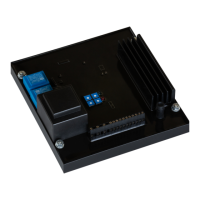
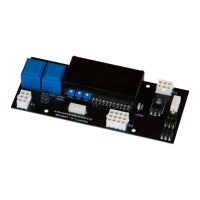
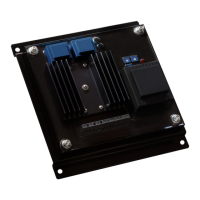
VS65 SERIES MV SOFT STARTER
G2.3 / VS65
input line
voltage
Set the work rated voltage
Depending on the line voltage, there are two versions of this parameter, one for voltages from
2300V to 6000V and another from 6600V to 13800V.
From 2300 to 6000V:
Introduce this parameter in accordance with the VS65 input line voltage. Make sure the motor
plate voltage is within the related voltage range.
Set the Motor Phi cosine.
States the motor supply frequency.
Set this parameter to 50Hz where the frequency supply is 50Hz. Within the installations where
this value is unknown or 60Hz, set to 50/60Hz.
Note: When 50/60Hz is selected, the soft starter starts an algorithm to detect the line frequency.
When 50Hz selected, it remains inactive.
Value that depends on the soft starter rated current.
4.3. Group 3 – G3: PROTECTIONS
G3.1 / Phase
sequence at
the soft starter
input
This parameter establishes which input phase sequence is considered valid. In case a start
order is received, the equipment will trig due to F2 WRONG PH/SQ.
To set the soft starter input phase sequences. Set depending on the sequence.
Note: When operating at Slow Speed, or DC-Brake, an operating sequence must be chosen, it
is not possible to work WITHOUT A PROTECTION SEQUENCE [1 NO PROTEC SEQ].
G3.2 / Motor
overload
current
(0.6 to 1.5)·In
of the VS65
States the current value at which the equipments overload protections should activate. The
trigger time will depend on the exceeding current level set on this screen and the value set on
the screen [G3.3]
Before setting, look for the motor plate current reference and introduce the value on screen.
Note: See figure in parameter [G3.3].



 To Next Page
 Loading...