Istruzioni per l’uso e manutenzione
Cod. OQ7.5ARG114 – GB
Emiss. 19-01-11 Rev. 0 - Agg. /
34
POWER SYSTEM SRL
Via dell’Emigrante, 11/13 - 36040 Brendola (VI) Italia
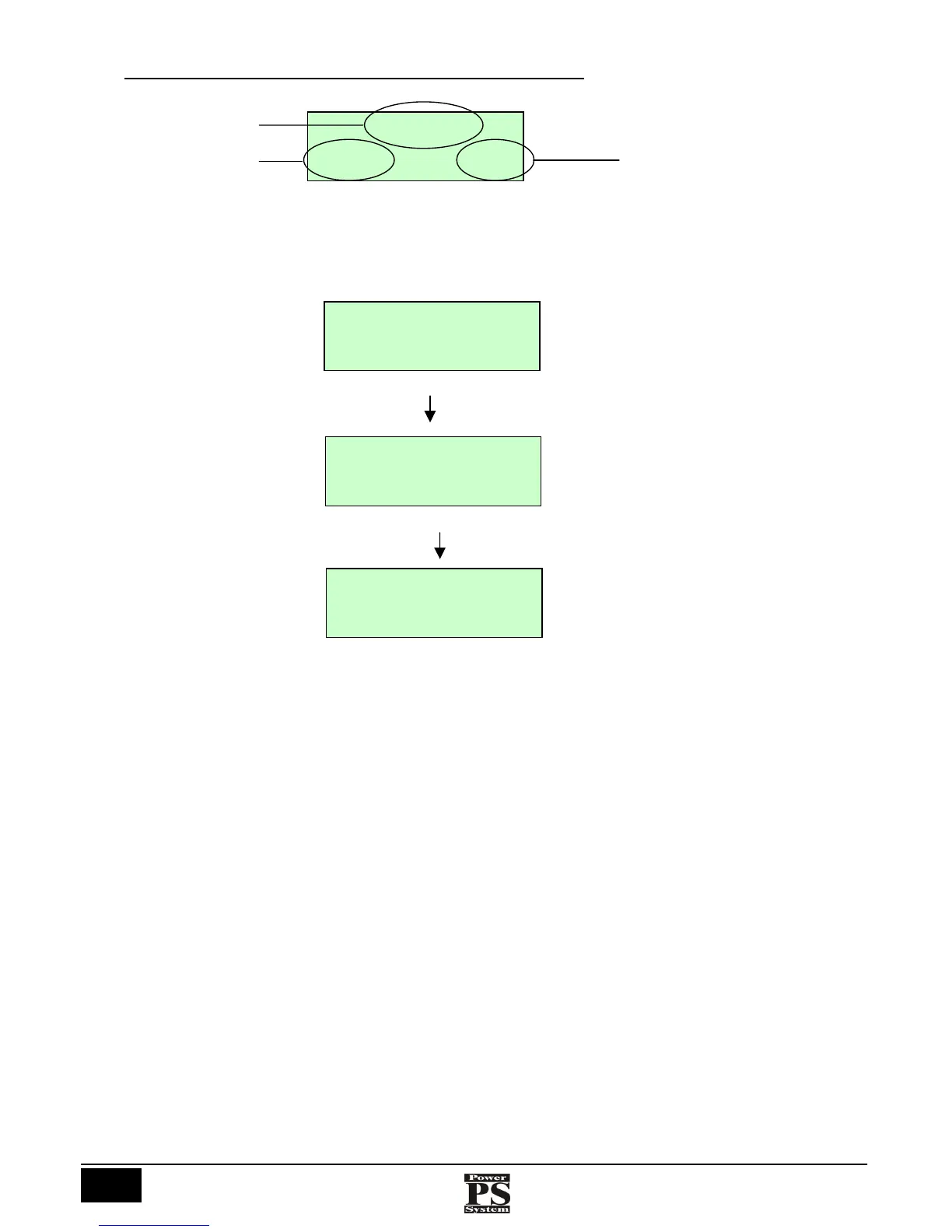
17.1 SWITCHING ON THE BOARD AND STARTING THE COMPRESSOR
When the Start button is pressed the machine “STOP” status changes to “WAIT FOR START”, this is followed by the operation of the
compressor showing: “WAIT FOR LOAD”, “LOAD”.
Status indication
Outlet air pressure
Air/oil delivery
temperature
STOP
00bar 30°C
Press start button
Next
WAIT FOR START
00bar 30°C
WAIT FOR LOAD
00bar 30°C
LOAD
7.8bar 70°C



 To Next Page