Page 09
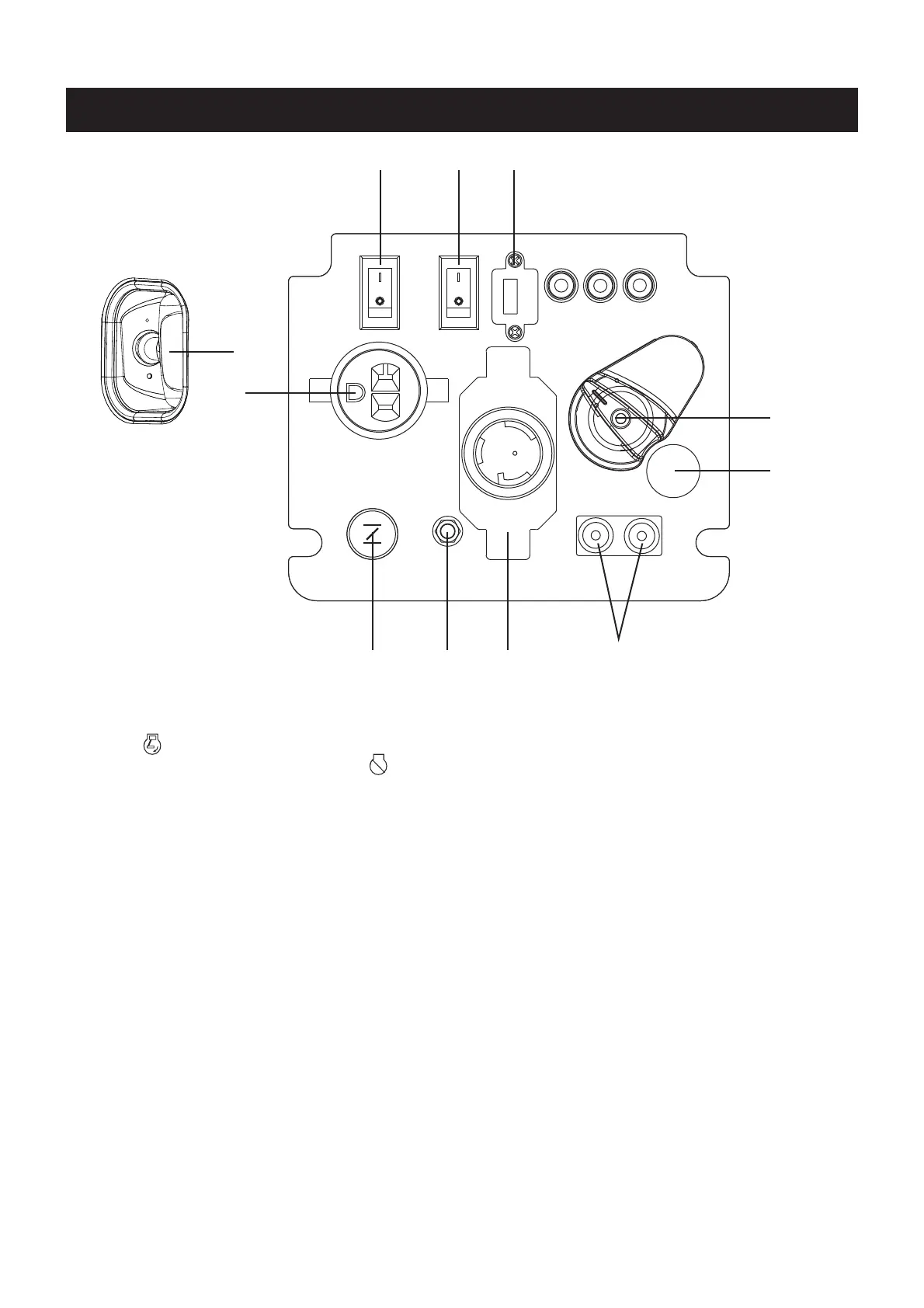
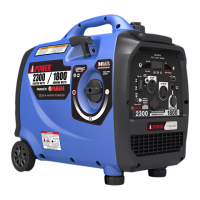
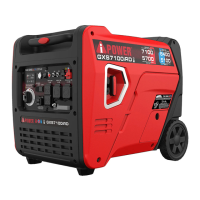
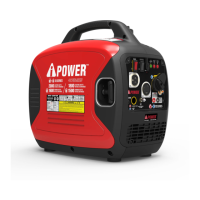
CONTROL PANEL FEATURES
NOTE: Total power drawn from all outlets must not exceed the nameplate rating.
213
6
5
4
78
10
9
1. Engine Control Switch: Flip the switch to the
“ON (l)” position and pull the recoil starter to
start the generator. Turn to the “OFF (O)” position
to turn off the generator.
2. Low Idle Switch: Low idle switch minimizes fuel
consumption and noise by adjusting the engine
speed to the minimum required for the current load.
3. 5V DC, USB Outlet: Provides 5 volt DC power up to
1.5 amps.
4. Fuel Source Switch : Used to select gasoline or
propane/LPG operation.
5. Propane/LPG inlet
6. Parallel Operation Outlets: These outlets are used
for connecting two AIPOWER inverter generators
for parallel operation. Do not connect or disconnect
parallel cables while the generator is running to
avoid damage.
7. 120V AC, 30A Twist Lock outlet, single phase,
60 Hz Outlet (NEMA L5-30R): This receptacle can
provide 120 volt output up to 30 amps.
8. Ground Terminal: The ground terminal is used to
ground the generator.
9. Choke Knob: Pull the choke knob to adjust air intake.
10. 120V AC, 20A , Single Phase, 60 Hz Outlet
(NEMA 5-20R): Each outlet is capable of carrying a
maximum of 20 Amp on.
11. Recoil Starter: Pull the recoil starter to manually start
the engine.
11


 To Next Page