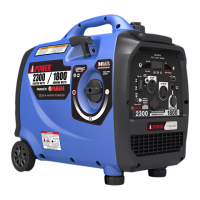
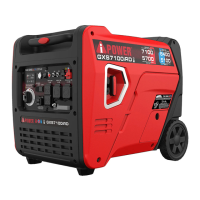
Page 21
NOTE:
DO NOT connect two red leads or two black leads
into the same generator.
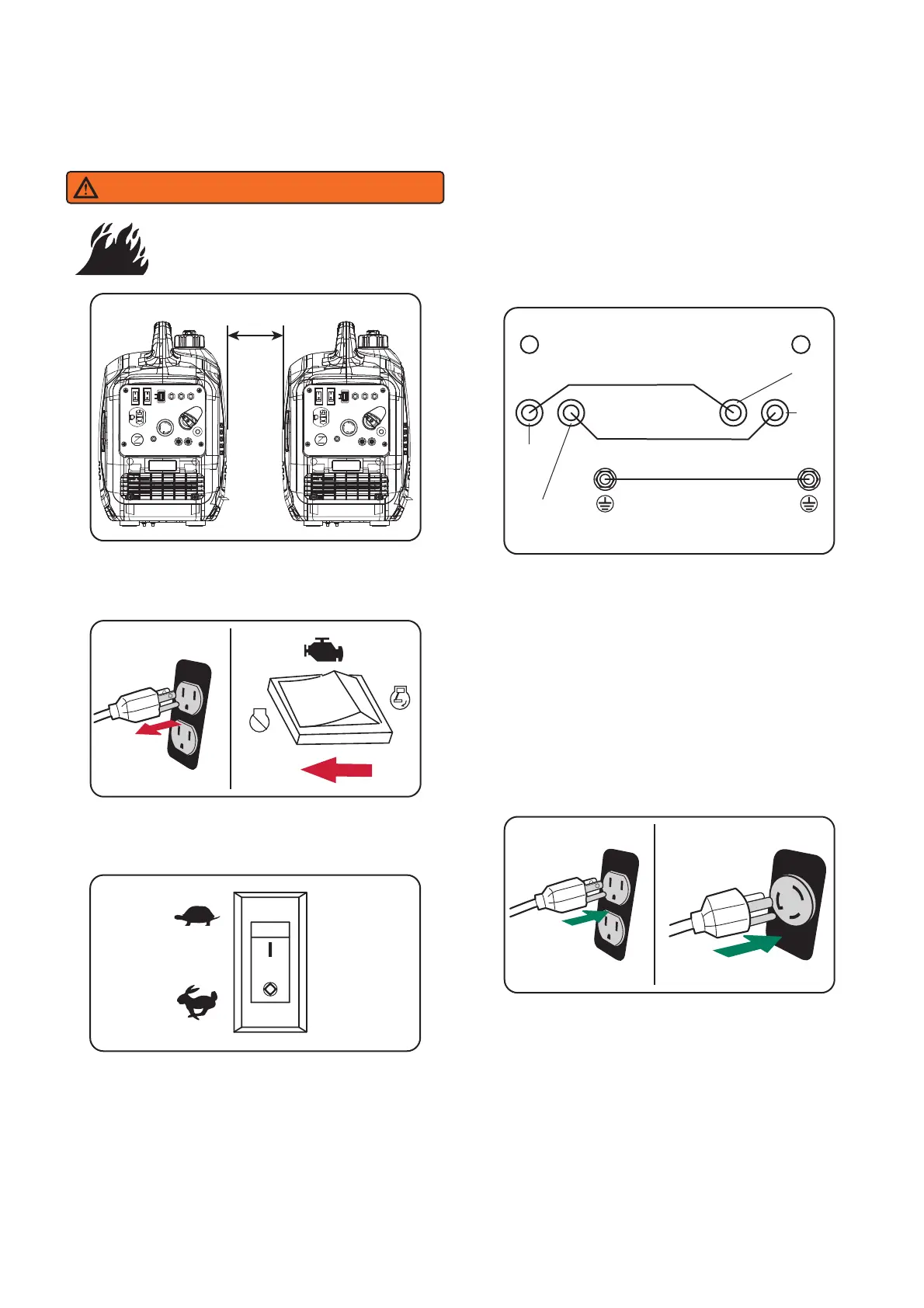
4. Lift the parallel outlet cover on both generators.
Plug the black and red parallel cable leads to the
black parallel ports on each corresponding
generator control panel. Connect the yellow/green
leads to the ground terminal on each generator
and tighten the nut.
5. Start one of the generators and wait until the
OUTPUT READY INDICATOR LED illuminates.
6. Start the second generator and wait until the
OUTPUT READY INDICATOR LED illuminates
before connecting a load.
7. Plug in and turn on the desired 120 AC, single
phase, 60Hz electrical loads. It is better to attach
the item with largest load first. The total power of
2880W may be drawn from L5-30R (30A-120V)
outlet.
Always unplug all loads before stopping the
generators.
Generator
1 2
Black
Outlet
Black Cable
Red Cable
Yellow/Green Cable
Red
Outlet
Black
Outlet
Red
Outlet
Ground
Terminal
Ground
Terminal
Generator
1. Align the two inverters on a firm, flat and level
surface at a minimum 20 inch apart.
2. Both generators to be turned off and all electrical
loads disconnected before paralleling operation.
Set up and Operation
3. Make sure the LOW IDLE switch is in the OFF
position on both generators.
WARNING
If not spaced apart, the exhaust heat
from one generator discolors or melt
the plastic shell on other generator.
20”


 To Next Page