1520
2.3.21Setkeylockcode
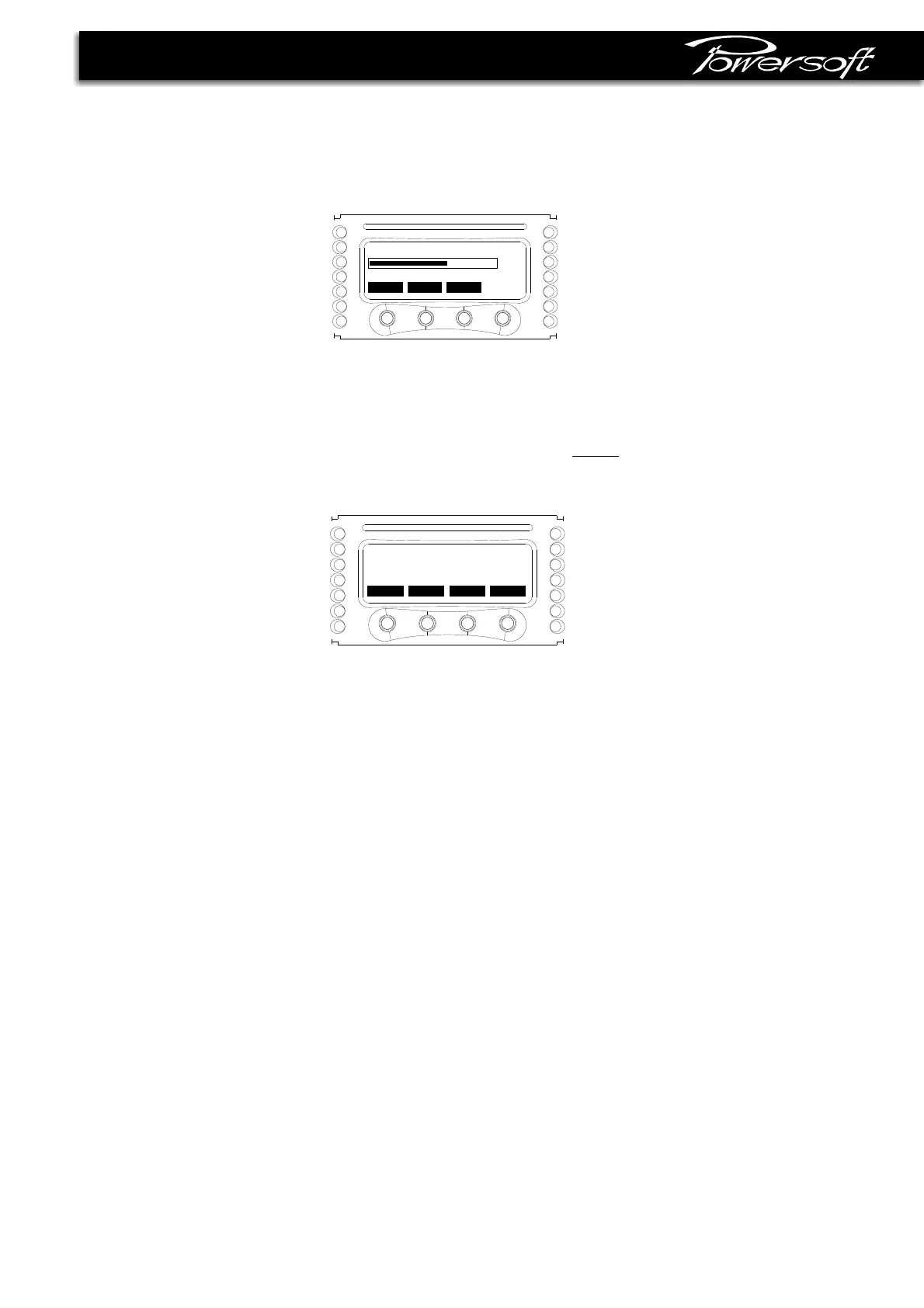
Inthisscreenyoucaninsertthenumerickeytounlockthesettings;thesamescreenappearswhenthe"unlock"buttonin
themainscreenispressed. Thereisauniversalkeytounlockthesettings:thisis.270156
figure2.3.20
2.3.22Menulocking
Inadditiontothebasicpushbuttonlockingfunction,anewmenulockingstrategywasintroduced. Therearethreelevelsof
locking: Alllocked, Allowsafe, Allowall.
:onlythemenusfordisplayinginfosareenabled,theotherarehidden.Presetscannotbeloaded.
:usercanchangefrom Analoginputto AES3input,alwayswithDSP intothesignalpath.Some commonDSP
parameterscanbechanged(AES3gaintrim,maindelay,DSP inputselection)*.Onlylocalpresetscanberecalled,and
theyshouldbeallsafeforthespeakersystemconnectedtothatamplifier(example:HFdriver3dB,HFdriver0dB,HF
driver+3dB).
:allsettingsmenusareenabled.Usercanrecallpresetsfromeitherlocalmemoryorsmartcard.
Furthermore,localpresetscanbemadeRead-Onlybyenablingthe“Lockpresets”function,inordertopreservetheoriginal
settingsstoredontheamplifier.
Thelockcode,whensetdifferentfrom000000,protectsthewholeMenulockingsubmenu.
Alllocked
Allowsafe
Allowall
* AvailableonlywithoptionalDSP board
2.3.20LCDcontrast
InthisscreenyoucansetthecontrastoftheLCDdisplaybypushingthe+/-buttons(seefigure2.3.19).
figure2.3.19
2.3.23Service
Thekeytoactivatethisfunctionisfactoryreserved.
back
-
+
sel
000000
SetkeylockCode
^
back
-
+
Contrast
6








 To Next Page