PQR
Series Model D52
Page 16
www.Powertronics.com
V2.1
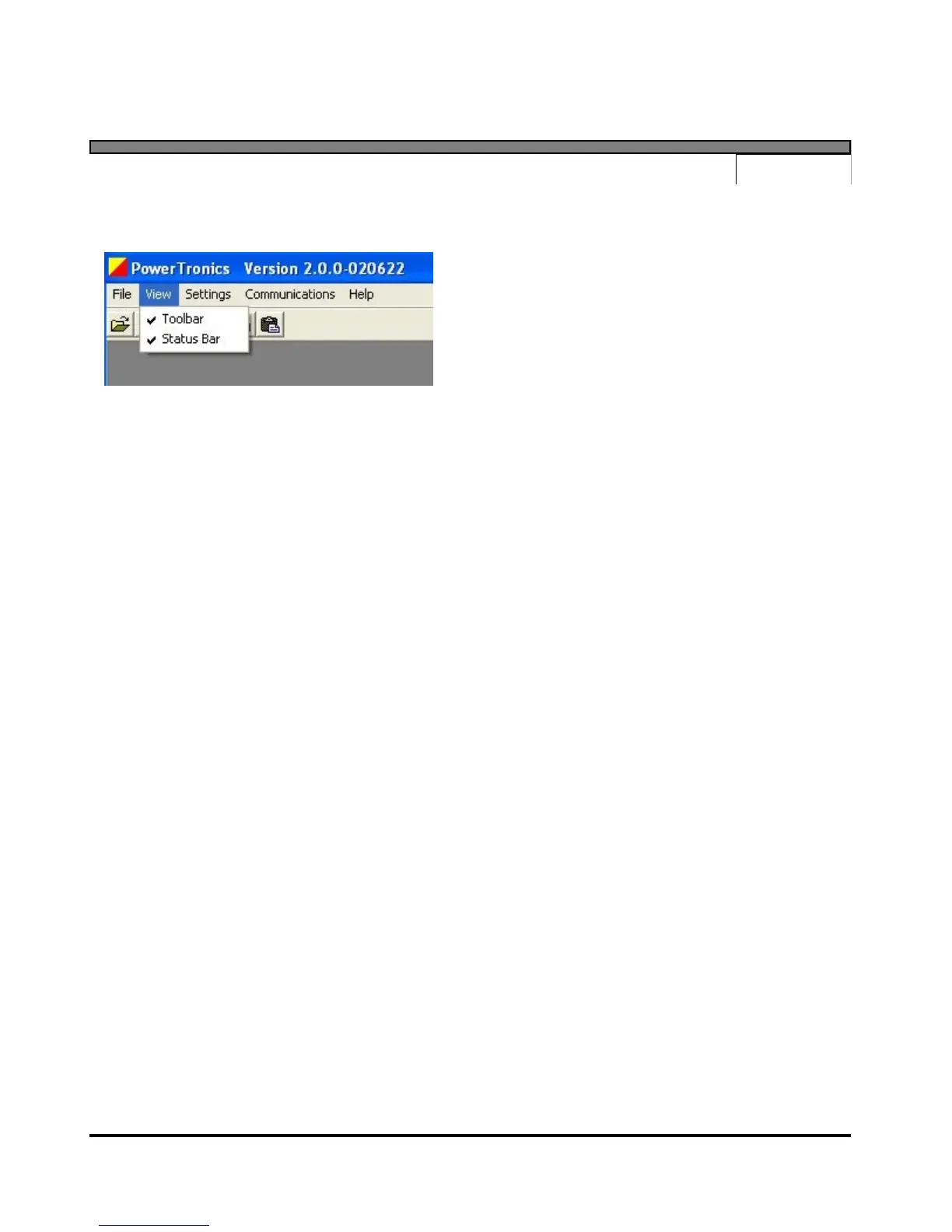
View Menu
The "View" menu contains items used to control what tools are visible and available to the user
in the main program window.
Toolbar
Select the "Toolbar" menu item to toggle the toolbar. The toolbar contains the buttons for
opening and printing files.
Status Bar
Select the "Status Bar" menu item to toggle the status bar at the bottom of the main program
window. The status bar displays the program's current COM port and baud rate settings.


 To Next Page