30
Symptom Possible cause Remedy
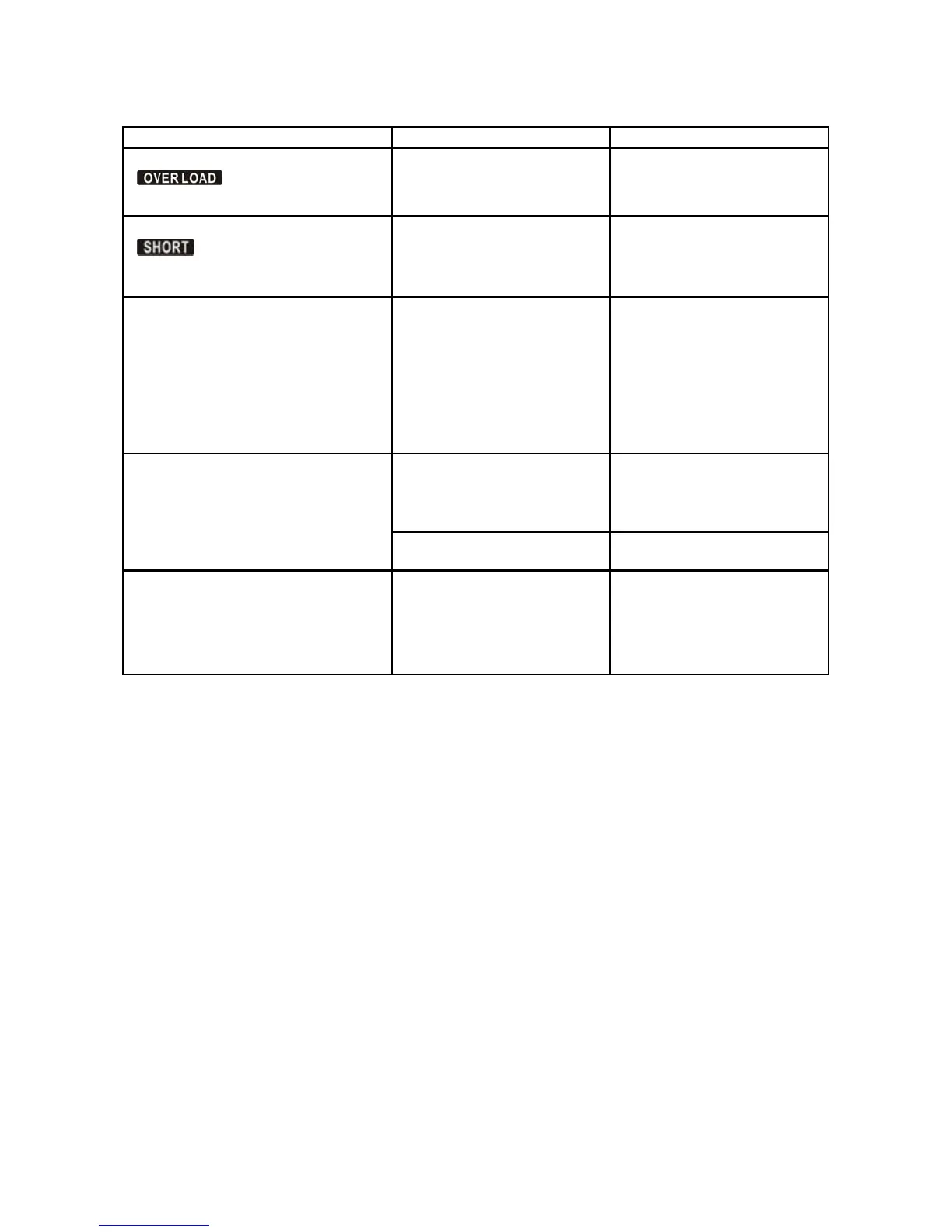
Fault code is shown as 43 and the icon
appears on the LCD
display. The alarm beeps continuously.
The UPS shut down automati-
cally because of an overload
on the output of the UPS.
Remove excess loads from UPS
output and restart it.
Fault code is shown as 14 and the icon
appears on the LCD
display. The alarm beeps continuously.
The UPS shut down automati-
cally because of a short circuit
on the output of the UPS.
Check the output wiring and
connected devices for a short
circuit. Remove the short cir-
cuit.
Fault code is shown as 01, 02, 03, 04,
11, 12, 13 and 41 on the LCD display
and the alarm beeps continuously.
A UPS internal fault has oc-
curred. There are two possible
results:
1. The load is still supplied, but
directly from AC power via
bypass.
2. The load is no longer sup-
plied by power.
Contact your dealer.
Battery backup time is shorter than the
specified value.
Batteries are not fully charged. Charge the batteries for at least
five hours and then check ca-
pacity. If the problem still per-
sists, consult your dealer.
Batteries are defective. Contact your dealer to replace
the battery.
Fault code is shown as 05 on the LCD
display. At the same time, the alarm is
beeping continuously and the output of
the UPS is cut off.
A UPS internal fault has oc-
curred and the BUS is short
circuited.
Consult your dealer. If power
is supplied again to the UPS
before the UPS is repaired then
the DC/DC mosfet will be dam-
aged.



 To Next Page