17
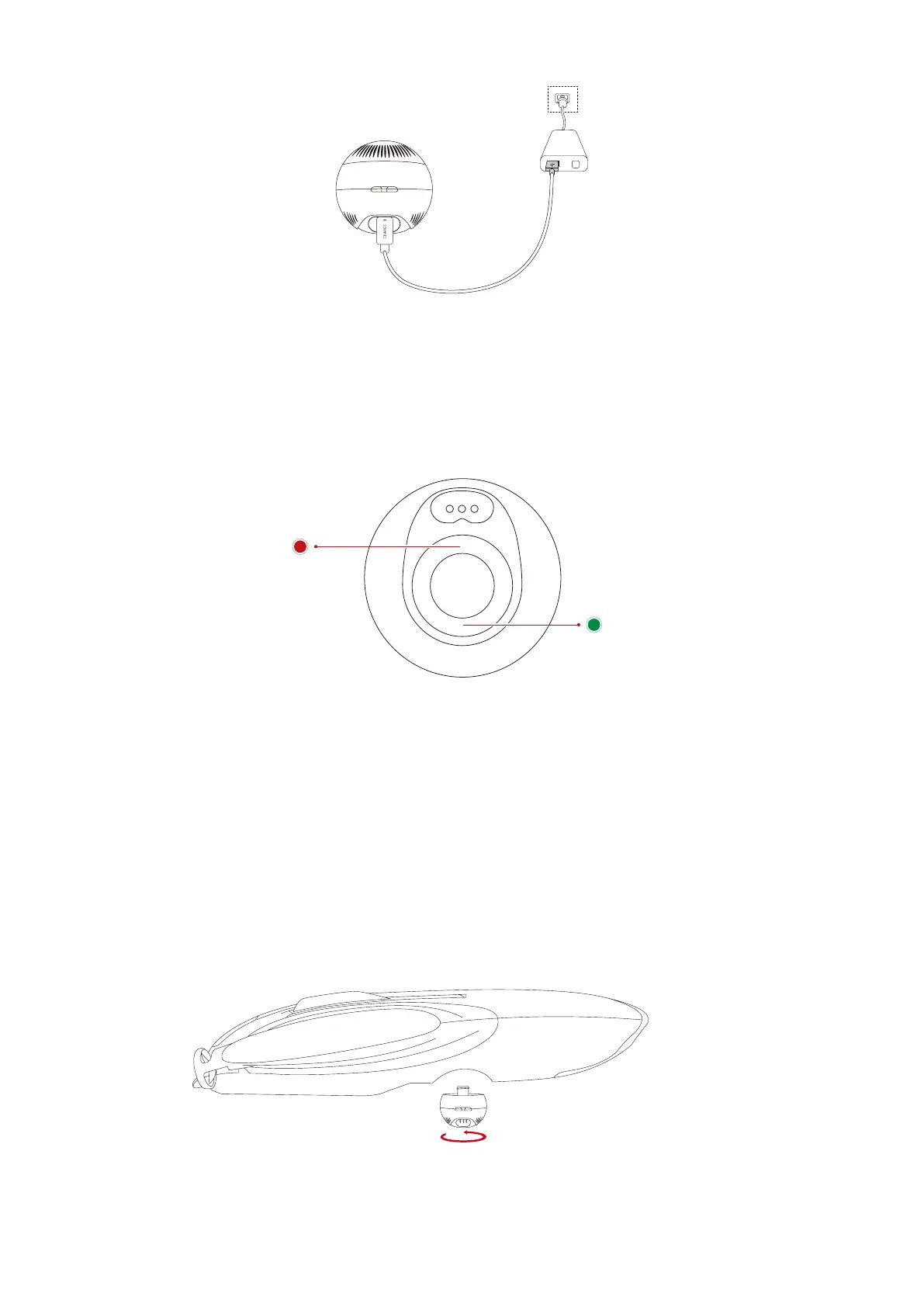
To charge, use the provided charging cable to connect the USB port of the adapter to the
charging port of PowerSeeker. The light at the bottom of PowerSeeker will blink red when
the device is charging and blink green when the device is fully charged.
Charging: red light
Full: green light
• Installation
1. Remove the cover of PowerSeeker.
2. Screw out the upper shell, and then screw PowerSeeker into PowerDolphin.
• Power On/Off and Connection



 To Next Page