25
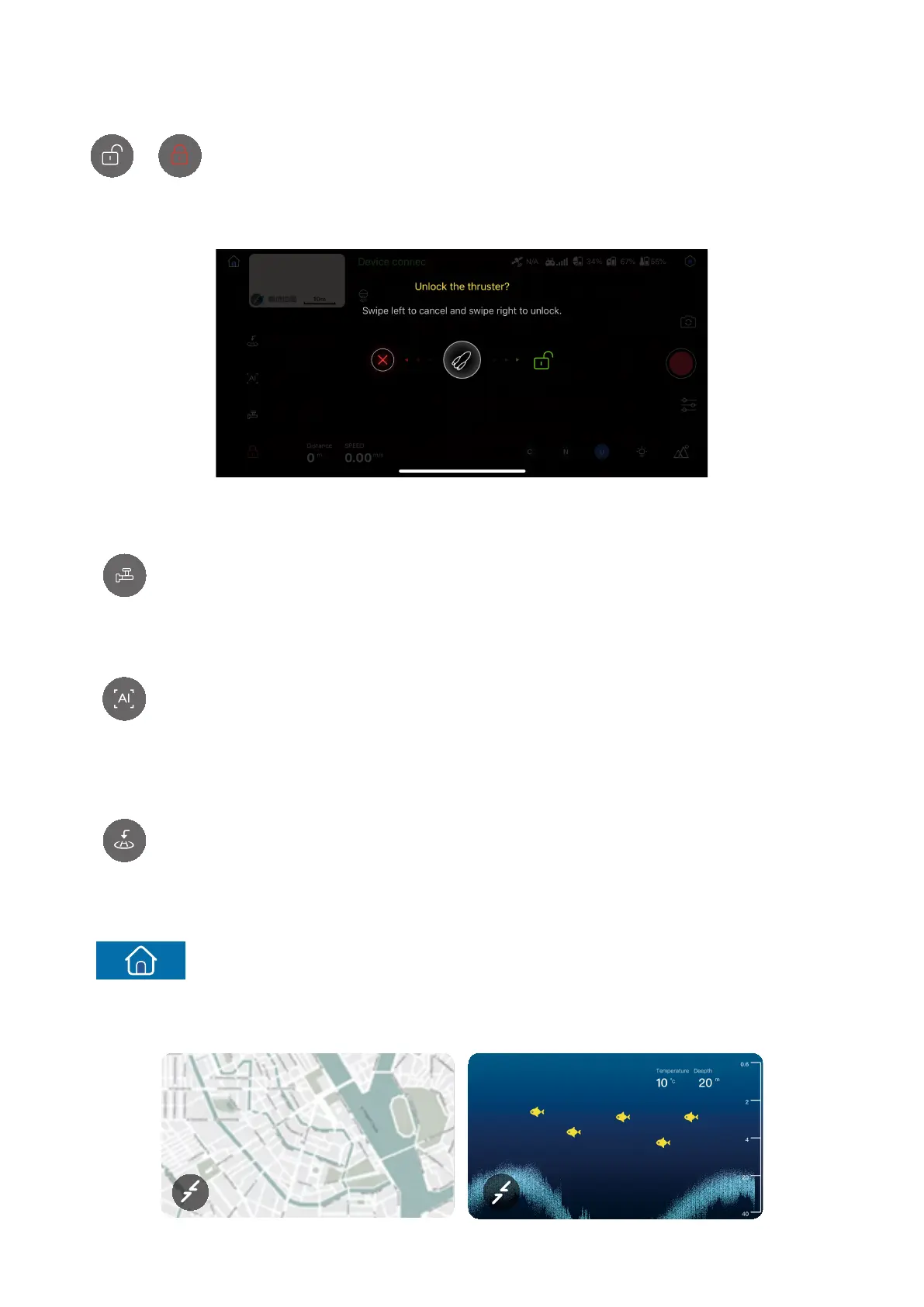
: By default, the device is locked when the connection is established. If you
touch it, the following pop-up box will be displayed. You can swipe left to
cancel and swipe right to unlock.
15. Lock/Unlock button
/
: Touch the button to execute the unhook/bait operation.
16. Unhook/Bait
: Touch the button to display the list of smart functions, including sailing route
planning and area path scan.
17. Smart function menu
: Touch the button, and the hull will return to the return point automatically.
18. One-touch return
: Touch the button to return to the home screen.
19. Home screen
20. Map/PowerSeeker screen thumbnail



 To Next Page