26
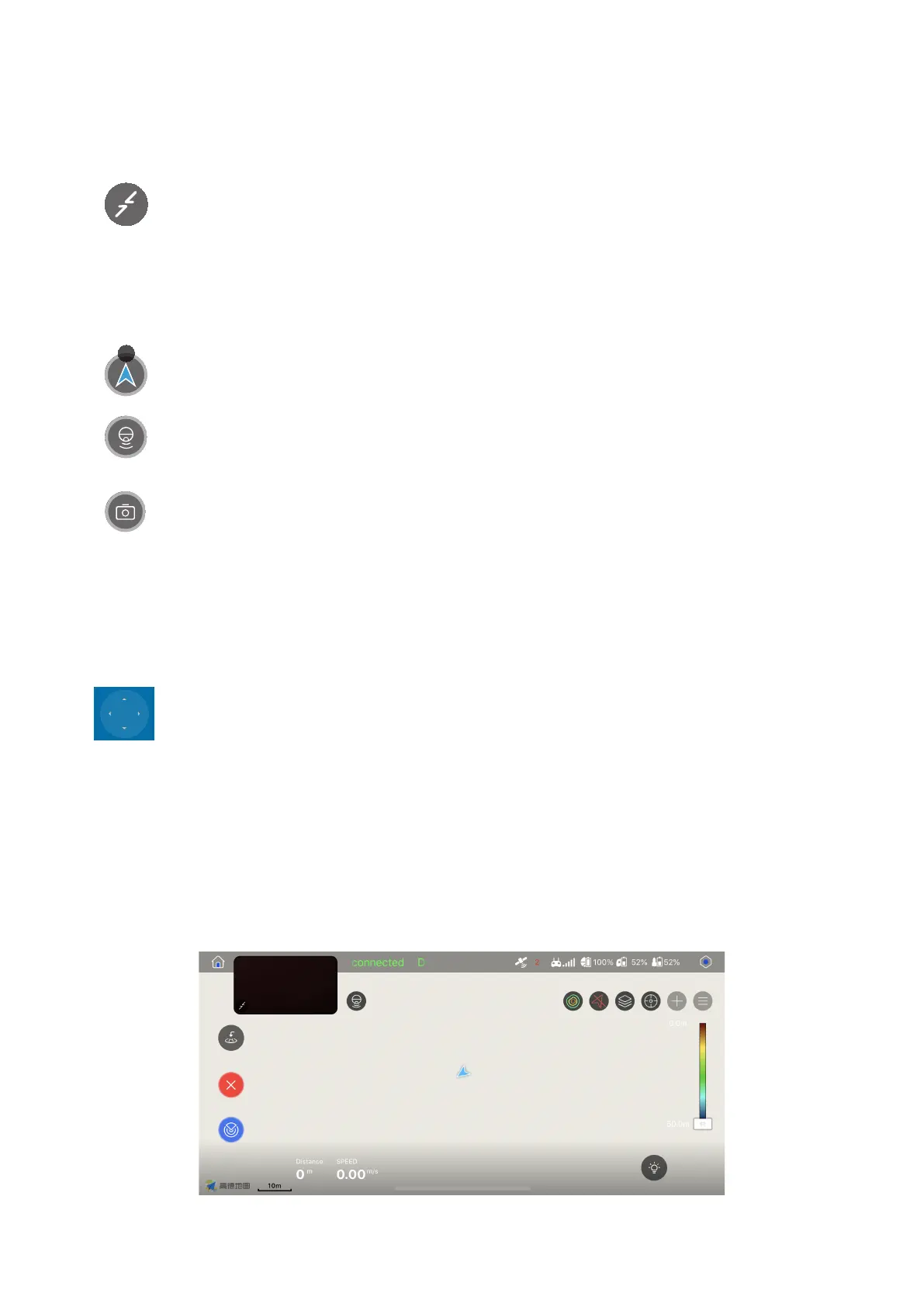
On the left is the thumbnail of the map screen, and on the right is the thumbnail of the
PowerSeeker screen. You can touch either to access the corresponding screen.
: he map screen icon. You can touch it to switch to the map screen thumbnail.
: the PowerSeeker screen icon. You can touch it to switch to the PowerSeeker
screen thumbnail.
: the image transmission screen icon. You can touch it to switch to the image
transmission screen thumbnail.
21. Map/PowerSeeker/Image transmission screen icon
N
: is the button for hiding the thumbnail. If you touch it, the thumbnail of the map
or PowerSeeker will be hidden.
: used to control the device to move forward/move backward or turn left/turn
right. The control method is subject to how you set the control sticks.
22. Virtual control stick
• Map Screen



 To Next Page