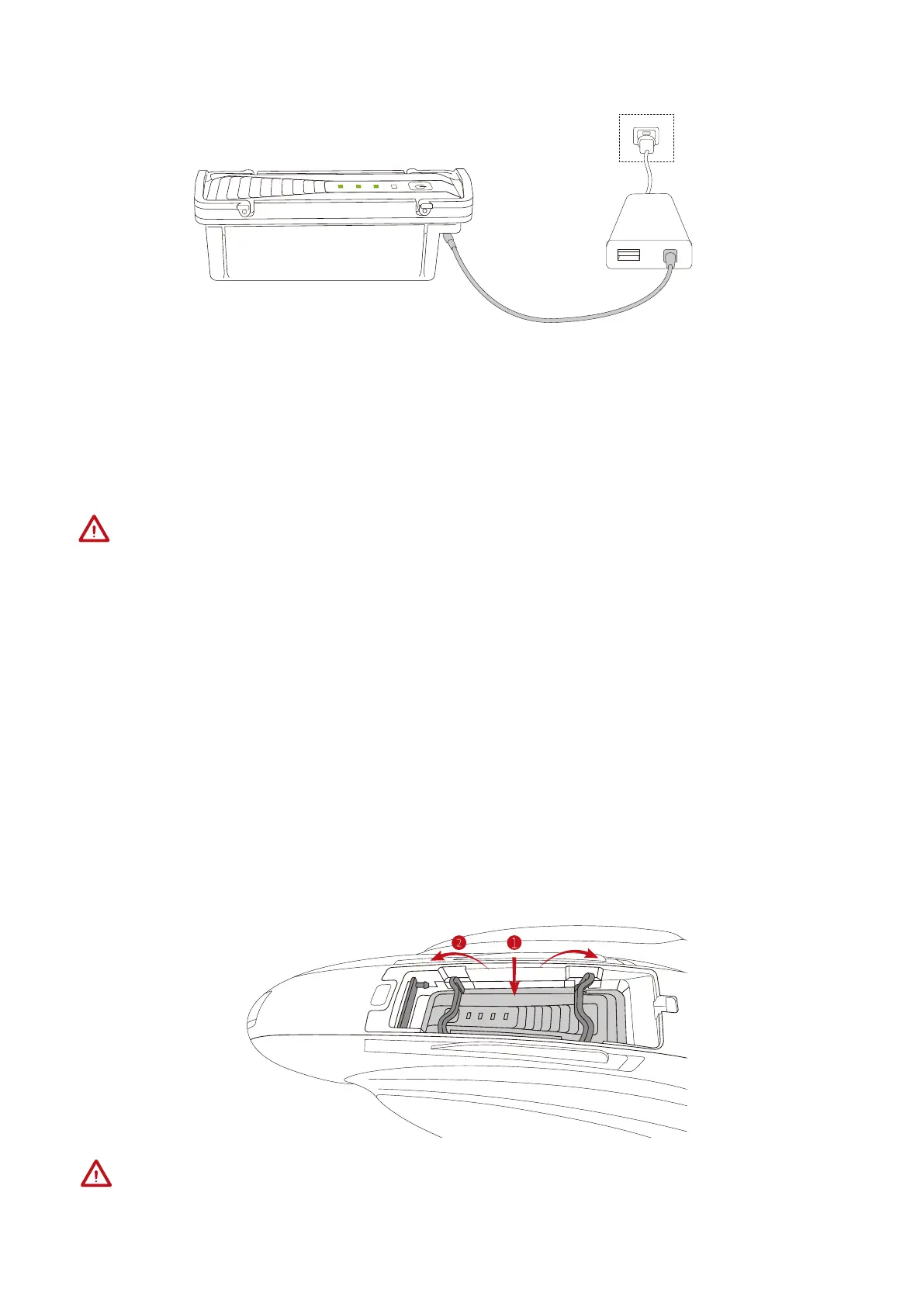
1.Connect your adapter to the charging port to charge the battery.
2.The battery level LED light blinks when the battery is being charged, and stops blinking
when the battery is fully charged.
3. Charging
1. Please use the PowerDolphin charger provided by PowerVision.
2. The battery temperature can be high after sailing. Please wait until the battery cools
down to room temperature before charging it.
3. The smart battery can be charged at a temperature ranging from 0℃ to 40℃. We
recommend that you charge the battery at a temperature ranging from 20℃ to 30℃ to
prolong the battery life.
4. Installation
1. Place the battery into the compartment.
2. Secure the battery grip into place.
Make sure that the battery-sealing ring is intact before installing the battery. Damage to
the rubber seal may result in an unusable battery.
6



 To Next Page